



Create more dynamic visualizations, streamline View interactions and configuration, and gain greater control over data exports and scheduled job executions.
All releases in this update are in General Availability.
PROCESS NAVIGATOR
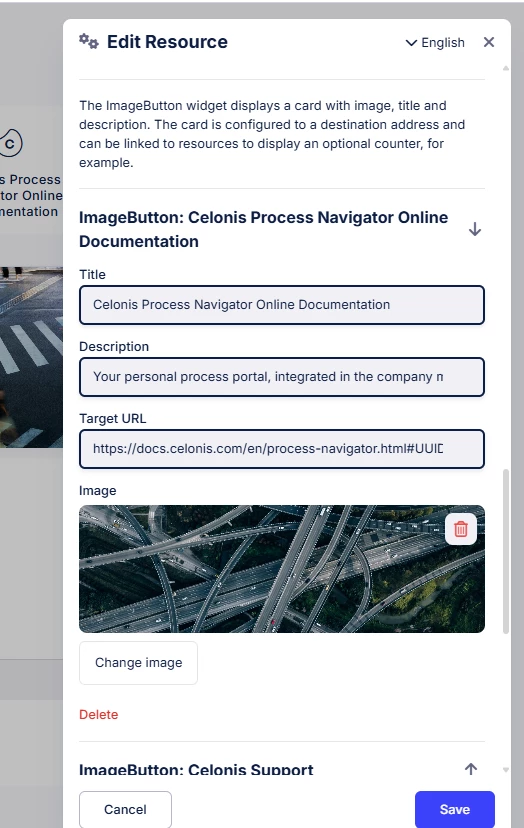
IMPROVED Upload images directly in Resource widget
Simplify configuration with direct image uploads in Resource widgets. Upload, preview, replace, or remove images directly without using hosted URLs, creating a consistent image-editing experience across Slideshow, Resources and non-object related Full Size widgets.
STUDIO
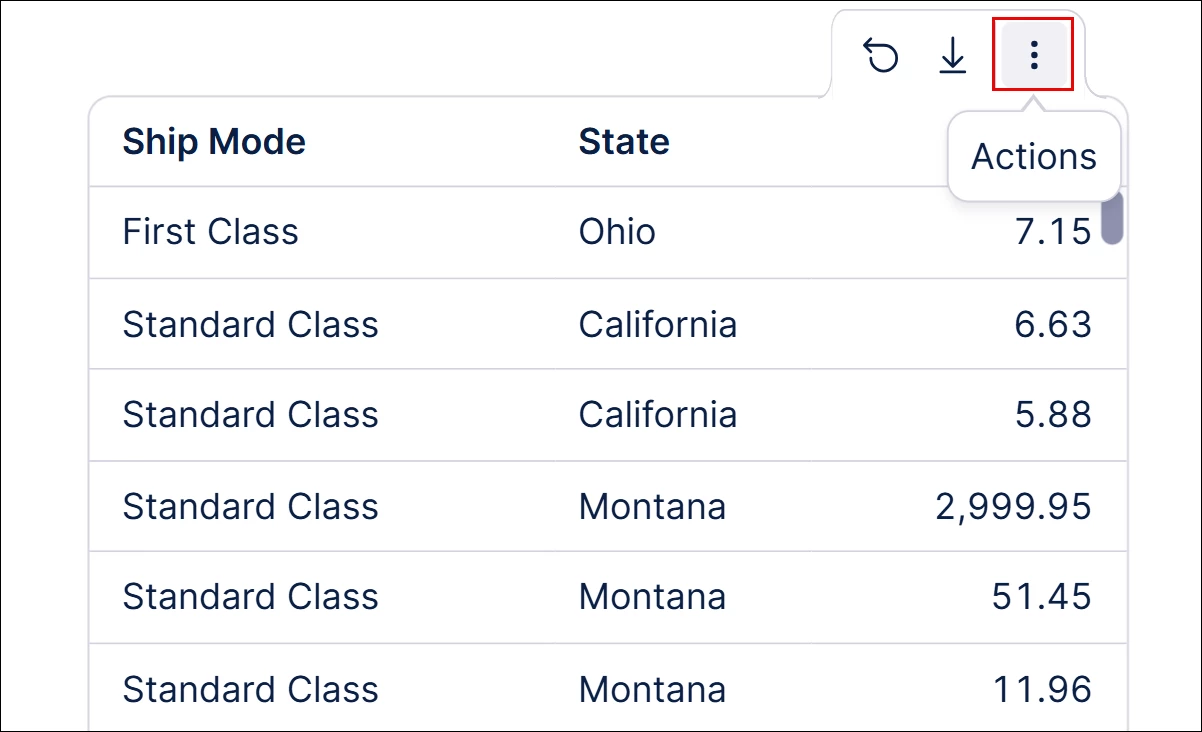
NEW User interactions standardized for View chart and table components
Enjoy a more consistent experience across View charts and tables with standardized component interactions. Access component-specific actions via a hover three-dot button, while standard actions like reset and export are available through separate buttons and menus.
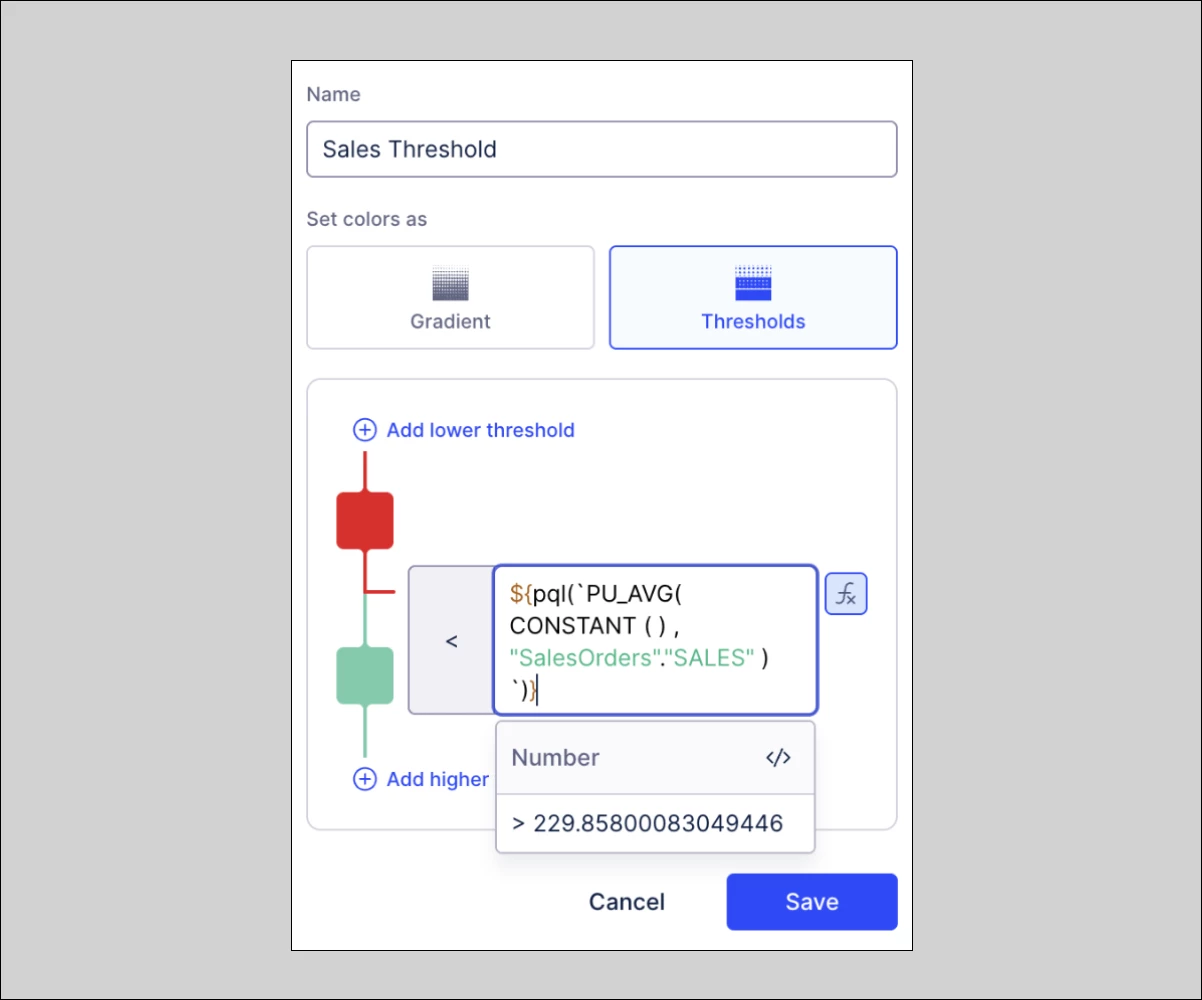
IMPROVED PQL support added for visual mapping rules in View components
Set dynamic visual mapping thresholds with PQL expressions in View components. Define rules that automatically adapt as data is filtered, reducing the need for manual configuration.
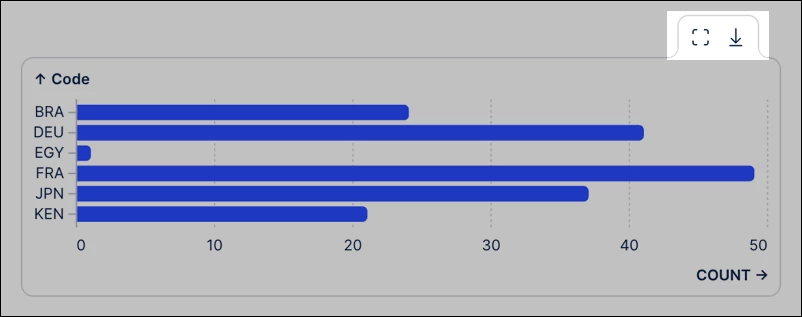
IMPROVED Exporting data from published chart component
Control raw data exports with published chart export controls. Choose whether users can export data from individual charts in published Views. When enabled, users can download the data as CSV or XLSX files.
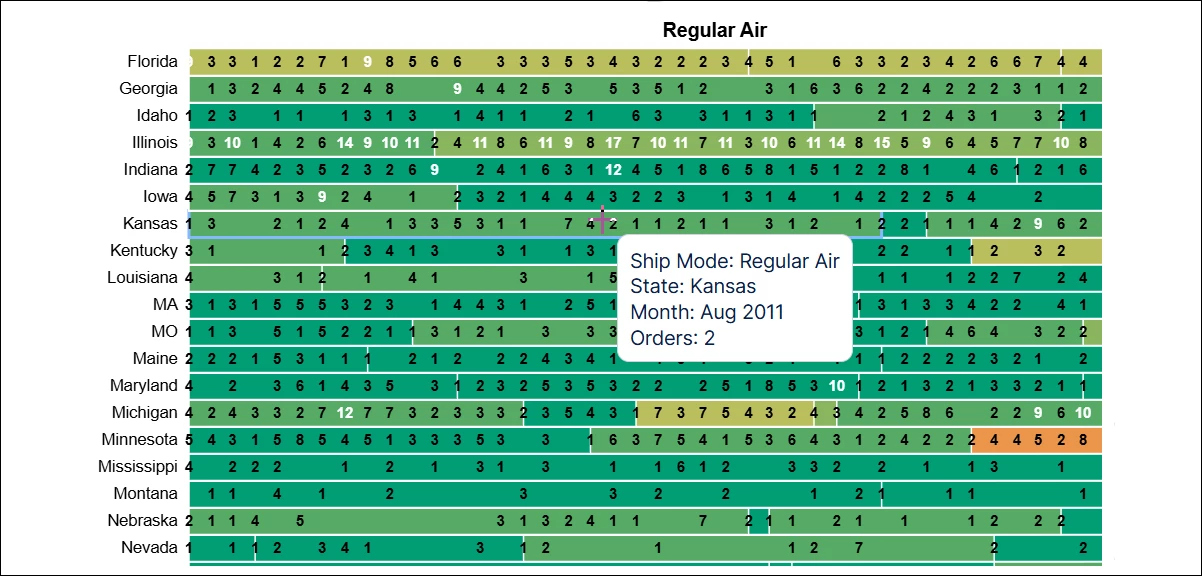
IMPROVED Vega component enhancements
Create more flexible, customizable charts with enhanced Vega component capabilities, including the ability to open linked Views directly, preserve data attributes when switching display options, exclude specific dimensions from filtering, and format custom tooltips via JSON.
DATA INTEGRATION
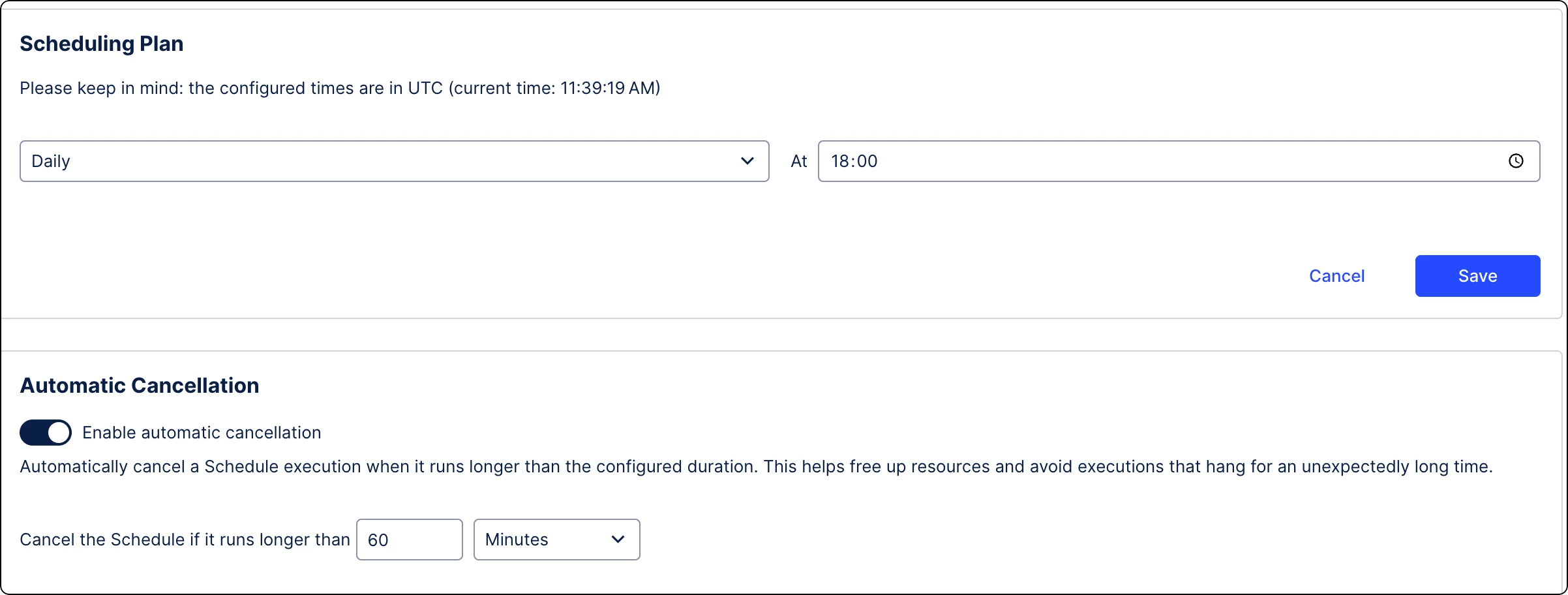
IMPROVED Auto-cancellation of data job schedules
Prevent resource bottlenecks with automatic data job cancellations. Automatically terminate scheduled data job executions that run too long, freeing up resources and preventing them from blocking subsequent runs. Note: You must enable this setting separately for each individual schedule.
Release notes | Product Updates | Technical Bulletin | Status Updates