




From expanded data connectivity to more accurate process insights and streamlined modeling experiences, this release helps you analyze, build, and optimize processes more efficiently.
All releases in this update are in General Availability. To take part in early previews, check out the list of opportunities here.
Coming soon!
- STUDIO Live reasoning traces for Process Copilots - Jun 3, 2026
DATA INTEGRATION
NEW Generic Database extractor now available
Expand your data connectivity with the new Generic Database extractor. It enables data extraction from niche or legacy source systems via standard JDBC connections and supports both secure on-premise uplink and direct cloud connections.
OBJECTS AND EVENTS
NEW Table transformations added to Objects and Events workflows
To help you find value faster and eliminate orchestration dependencies, you can now design, test, and execute custom table-level transformations directly within the Objects and Events interface. This allows you to standardize data anomalies, simplify SQL logic, and centralize Common Table Expressions without pivoting to isolated data integration tools.
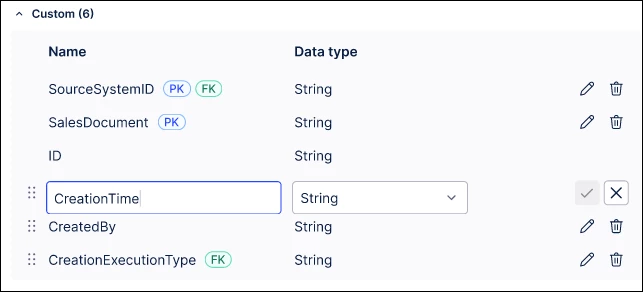
IMPROVED Edit attribute names and data types directly
You can now rename attributes and update data types for Objects and Events directly, saving significant manual effort by eliminating the need to delete and recreate attributes. Note: You must manually update any relevant dependencies after making these changes.
STUDIO
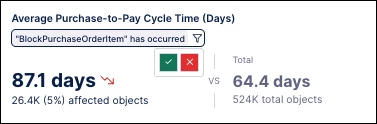
NEW Temporary filters for Insight Explorer
To enable more in-depth analysis capabilities, you can now apply temporary filters based on specific insights. These filters support custom attributes and allow you to generate deeper insights from specific case cohorts.
NEW Message display added to View button components
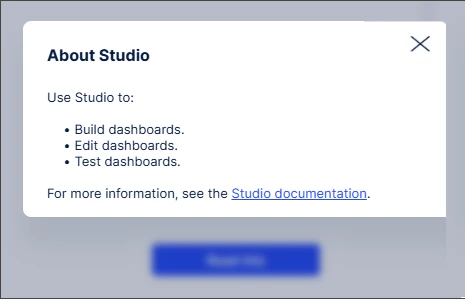
Provide additional context in Views by configuring button components to display messages when clicked. Messages can include formatted text and URLs, are accessible to screen readers, and can be copied by users.
IMPROVED PQL editor filtering aligned with Views filtering
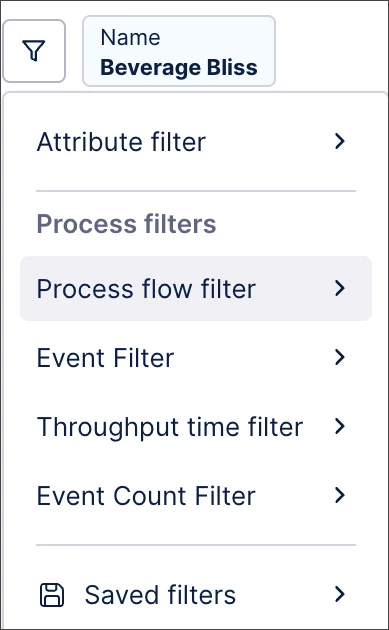
To give you a consistent experience, we have extended the PQL editor filtering options to completely align with Views. You can now filter by attributes, processes, saved filters, and filter chips.
IMPROVED User filter improvement in Views
To ensure your selections are not lost, values selected in a filter selection menu are now automatically saved as a user filter if you click outside the menu, allowing you to confirm or reject them later.
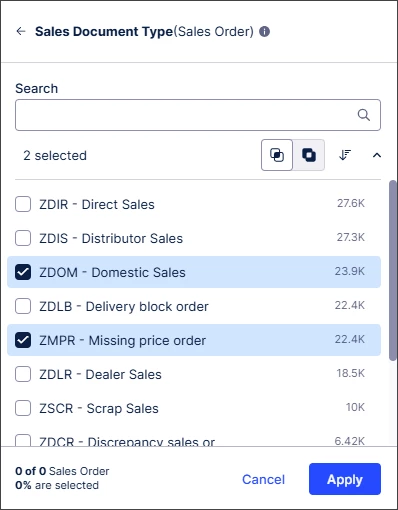
IMPROVED Simplified annotation management in Augmentation tables
You can now easily organize your workspace and optimize Data Model capacity by deleting outdated Augmentation tables directly within the Knowledge Model (KM) interface.
Note: Annotation outputs created during the private preview phase cannot be deleted directly from the Knowledge Model. To remove them, re-run your Annotation Builder to create new tables with the updated naming structure before manual deletion.
IMPROVED Continuous processing of PQL queries in Views
PQL queries are now processed continuously rather than in batches. This reduces PQL query response times and allows you to view data and interact with the View while complex queries run improving the experience.
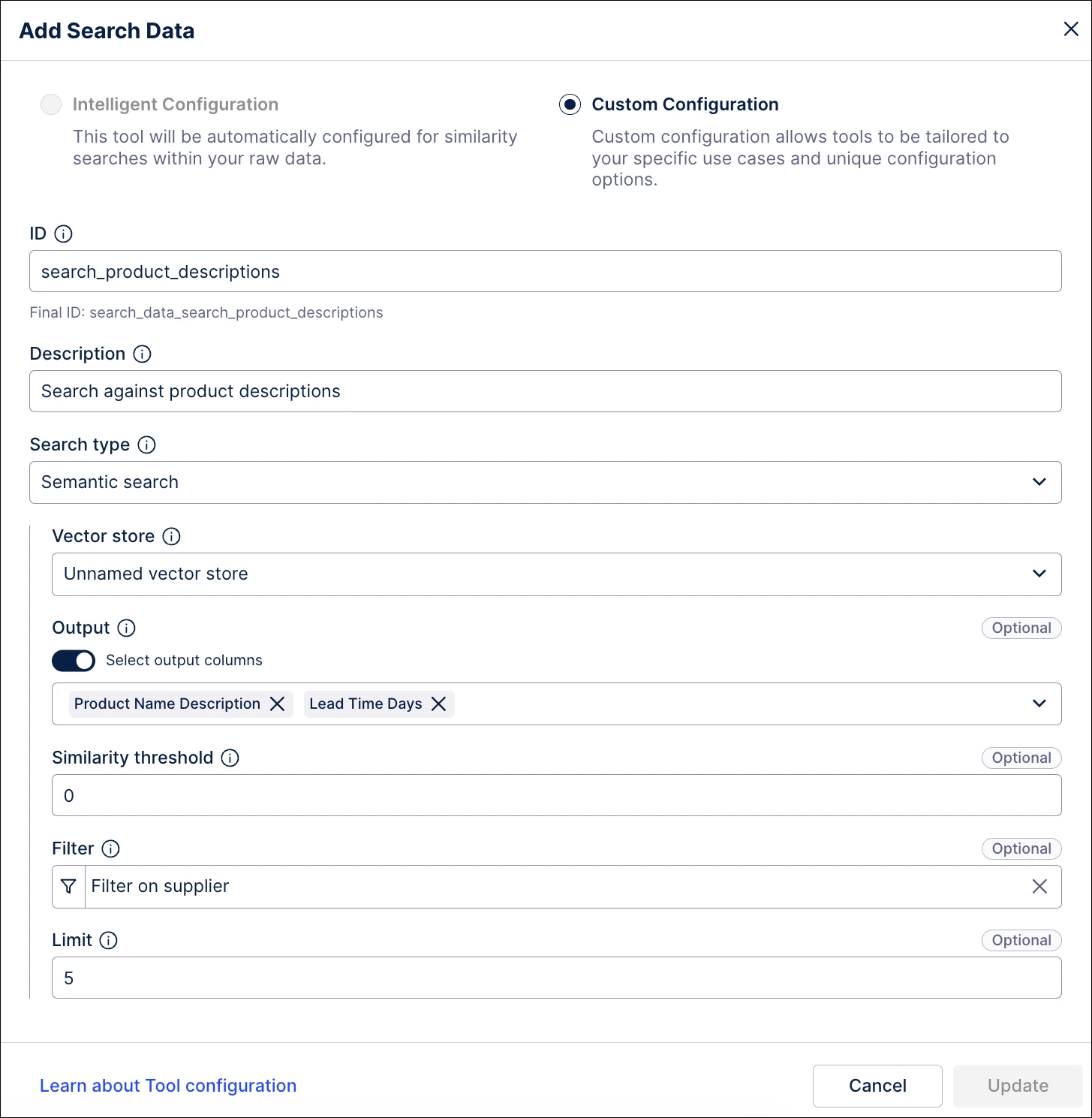
IMPROVED Upgraded Search Data tool for Process Copilots and MCP Assets
Enhance row-level data retrieval with an upgraded search_data tool. New capabilities include Keyword and Semantic search modes, customizable similarity thresholds, and PQL filtering for more targeted search results.
Note: Existing search_data implementations were automatically migrated to Keyword search mode, while existing document_search and vector-store-based search tools were migrated to Semantic search mode. Dedicated metadata search is no longer part of the search_data tool and is now available through the new search_metadata tool.
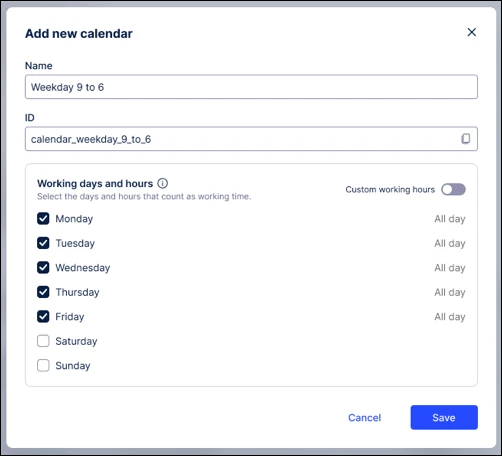
IMPROVED Calendar based throughput times in Studio
To make your object-centric process data more realistic, you can now configure calendars directly in the Event Log Builder to calculate "net" working hours. These calendars are automatically utilized across Process Explorer, TPT, and View components to provide more accurate process mining insights.
PROCESS ADHERENCE MANAGER
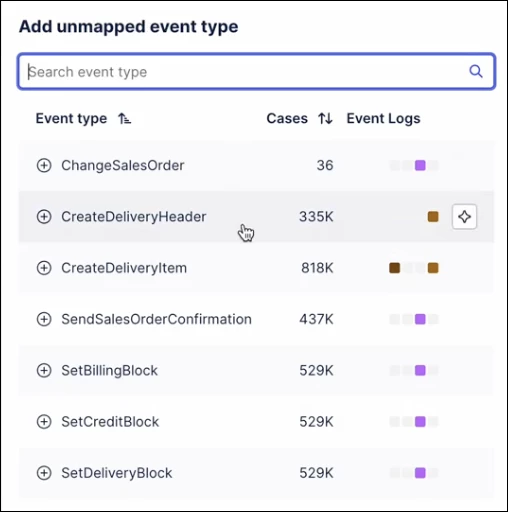
IMPROVED Intelligent event modeling & quality metrics
To speed up your time to insight, events added to an existing target model in Process Adherence Manager are now automatically mapped and positioned based on your data. Additionally, the model editor now displays real-time precision and fitness quality metrics to show the effect of each model change.
PROCESS NAVIGATOR
IMPROVED Unified search experience
Enjoy a more streamlined search experience in Process Navigator. Improvements include guidance on where your saved filters are located, a back button for deep-link use cases, and clean UI changes for improved overall search and filter experience.

Release notes | Product Updates | Technical Bulletin | Status Updates