



Gain greater control over platform security, streamline chart filtering, customize AI agents, and trace complex analysis steps. You can now manage your own encryption keys, build multi-category filters, switch time aggregations, and automatically discover process inefficiencies.
ADMIN AND SETTINGS
NEW Bring Your Own Key to Celonis Platform
Strengthen data protection and regulatory compliance with Bring Your Own Key (BYOK). Manage your own encryption keys within your Key Management System, giving you independent control over access to your data at rest and the ability to revoke access at any time. Note: Contact your Celonis Account Executive for configuration requirements and onboarding assistance.
STUDIO
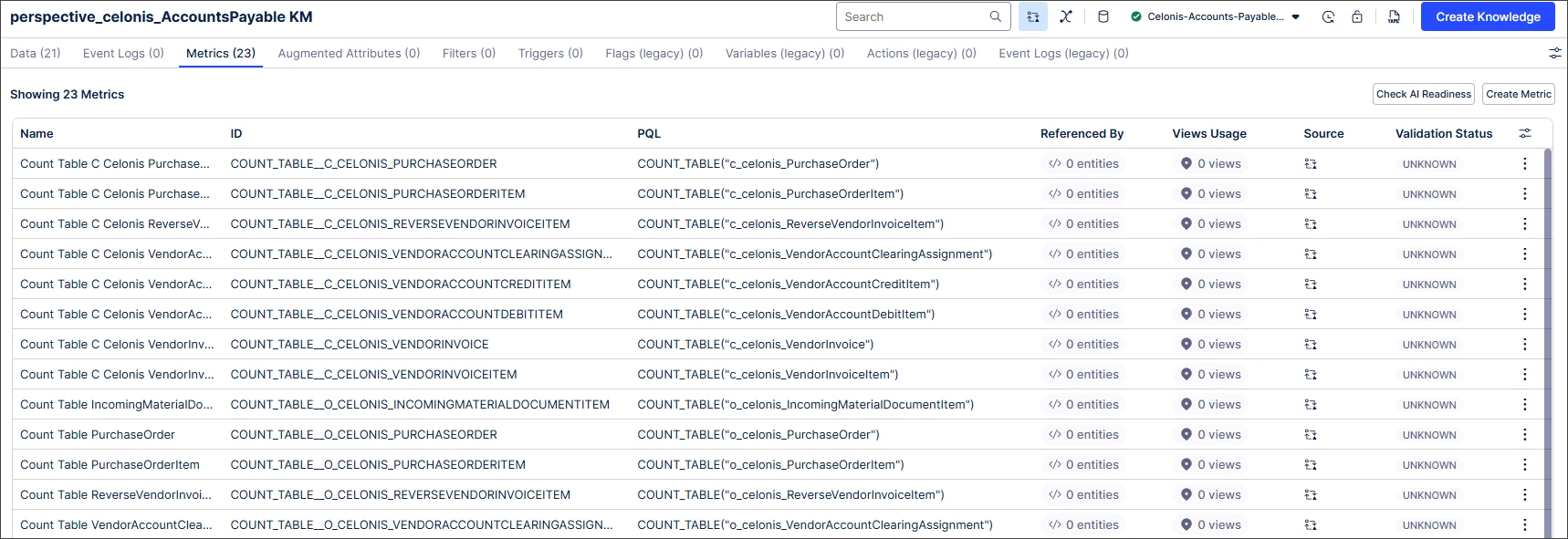
NEW Knowledge Model asset editor usability improvements
Navigate Knowledge Models more easily with the updated asset editor. The new horizontal tabbed layout optimizes screen space, while configurable columns and advanced filtering make it easier to find and manage information.
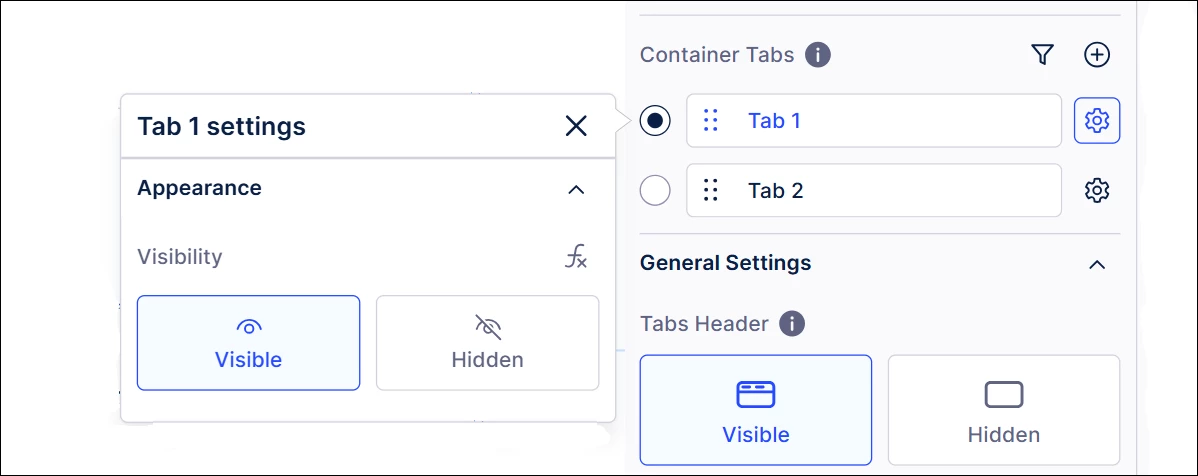
NEW Conditional View layouts using smart inputs
Create more flexible dashboards with Conditional View layouts. Display or hide any View component and container tab manually or dynamically using smart input.
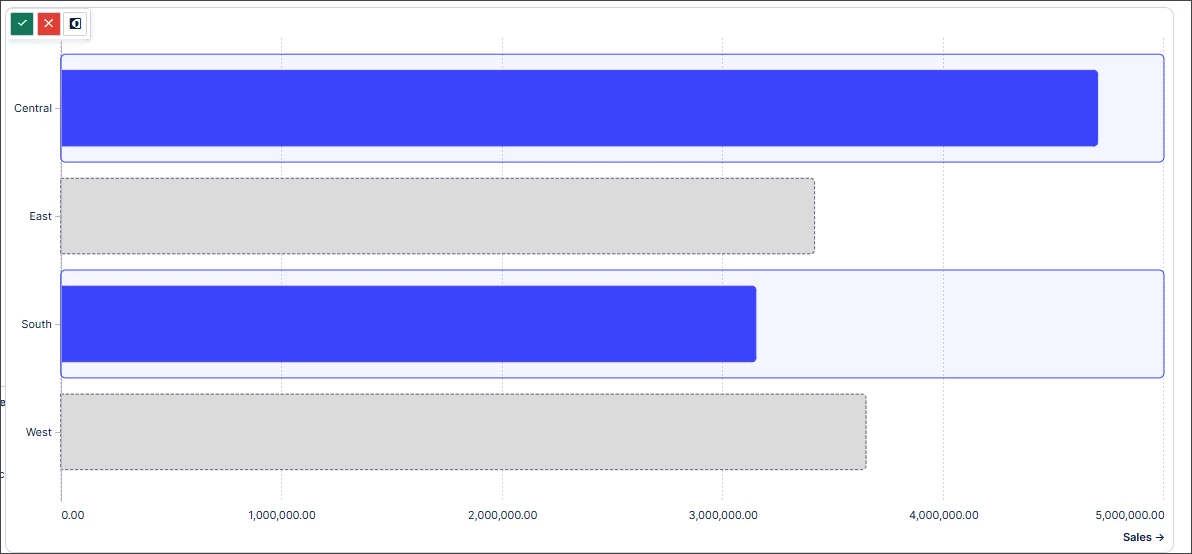
NEW Multi-select available in bar and column charts
Build multi-category filters in a single chart with multi-select available for bar and column charts. You can now select multiple non-continuous ranges by holding Cmd (macOS) or Ctrl (Windows/Linux) while clicking, eliminating the need to apply filters one at a time.
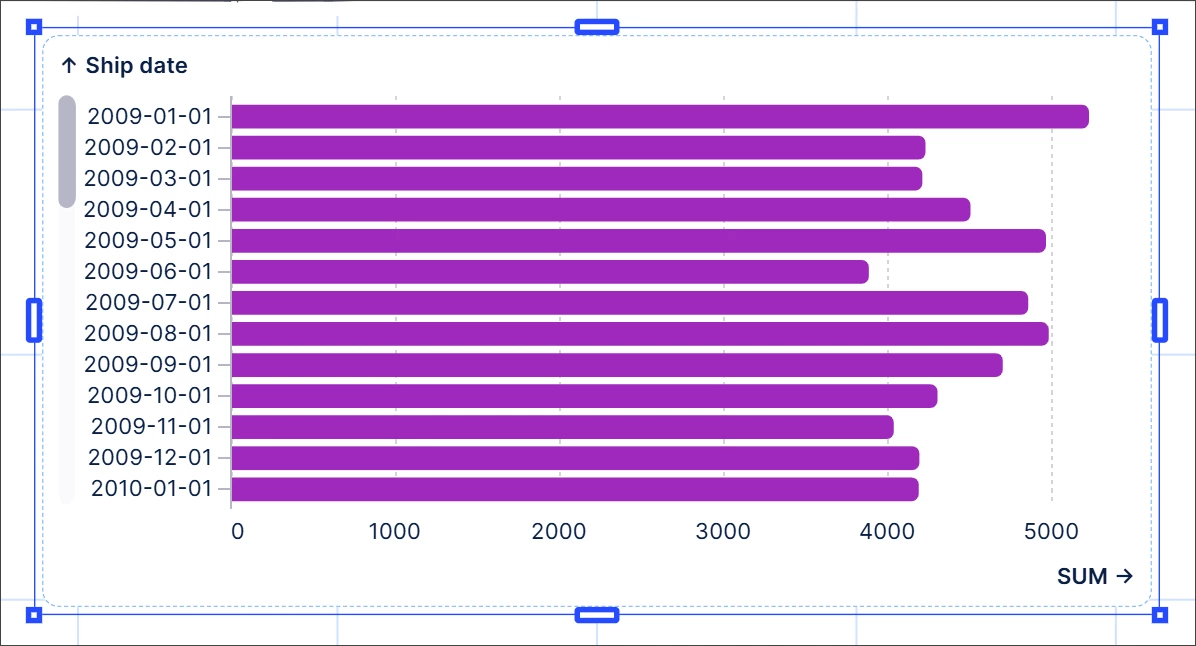
NEW Time aggregation switching added for continuous timescale charts
View your data from different time perspectives with time aggregation switching. Select your required timescale from a dropdown menu to automatically update the data and timescale in continuous timescale charts.
IMPROVED Process inefficiencies in Insight Explorer
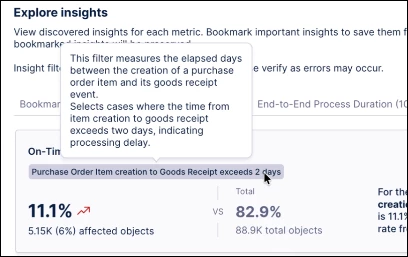
Enhance process inefficiency insights with AI-generated inefficiency discovery. Surface process inefficiency insights from simple event occurrences to more complex scenarios such as throughput time subgroups, cases with repeating events, and event attributes across Insight Explorer, Process Copilot, and KPI Components. Note: Enable AI services for your team to use this feature.
IMPROVED Add custom skills to Process Copilots
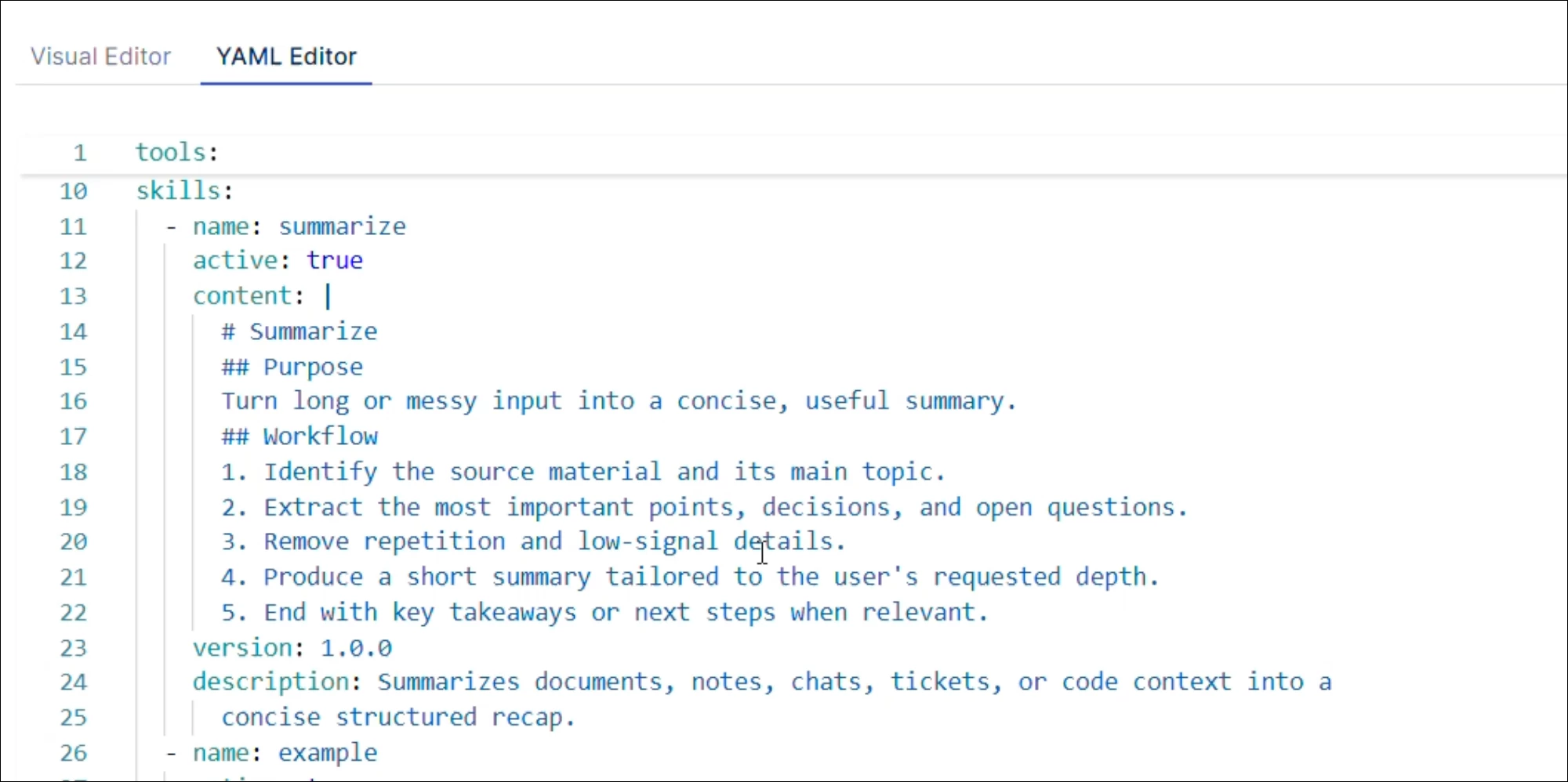
Expand your agent capabilities with custom skills for Process Copilots. Define Markdown-based instructions in the YAML Editor to load focused skills on demand without cluttering the main system prompt.
Release notes | Product Updates | Technical Bulletin | Status Updates