




Explore our latest product updates designed to expand your data connections, automate insights, and streamline how you build and manage workflows across the platform. We’ve also improved additional language support.
PROCESS DESIGNER
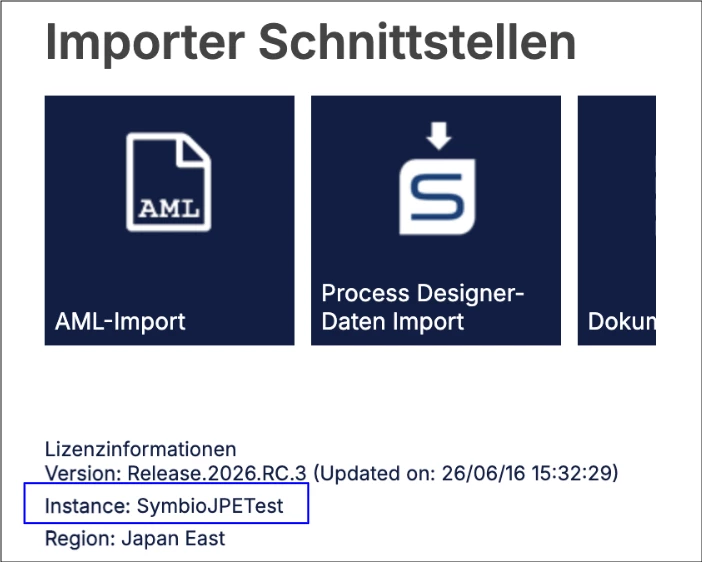
IMPROVED Additional language support and UI improvements
Expand your global accessibility with new Spanish, French, Italian, and Japanese language support in Process Designer. This update also introduces quality-of-life UI enhancements, administrative deployment tracking, and critical bug fixes for process manuals, permissions, and exports. Note: This update will not affect your existing language configurations.
DATA INTEGRATION
NEW Streamlined data engineering with Celonis Spark Connect
Move from raw data to processed results with greater efficiency using Celonis Spark Connect. This high-performance connector enables remote execution of Spark workloads from a local IDE or the Celonis ML Workbench while offloading all computational tasks to the Celonis Platform. Note: This can only be integrated with data pools using the ETL Engine.
OBJECTS AND EVENTS
NEW Define composite primary keys on object-centric data model attributes
Improve query performance with composite primary keys. You can now define a primary key using multiple attributes directly in the data model, removing the need to manually concatenate columns in your transformation logic.
STUDIO
IMPROVED Customizing Performance Spectrum patterns
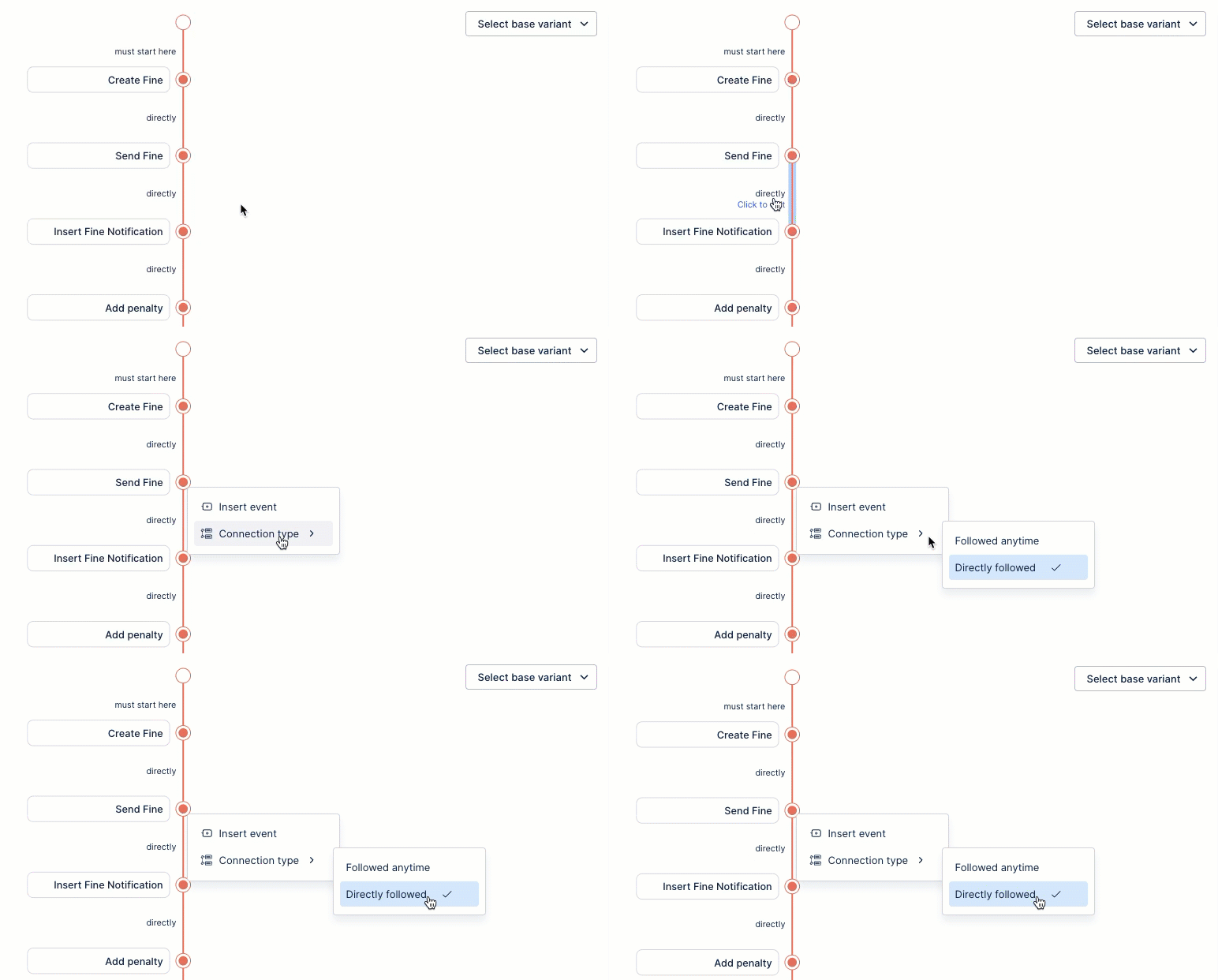
Optimize visibility into your visual timelines by customizing Performance Spectrum patterns. You can now add or remove events and define how they connect using 'Followed Anytime' or 'Directly Follows' connection types.
NEW Insight Generation for KPI cards and lists within Views
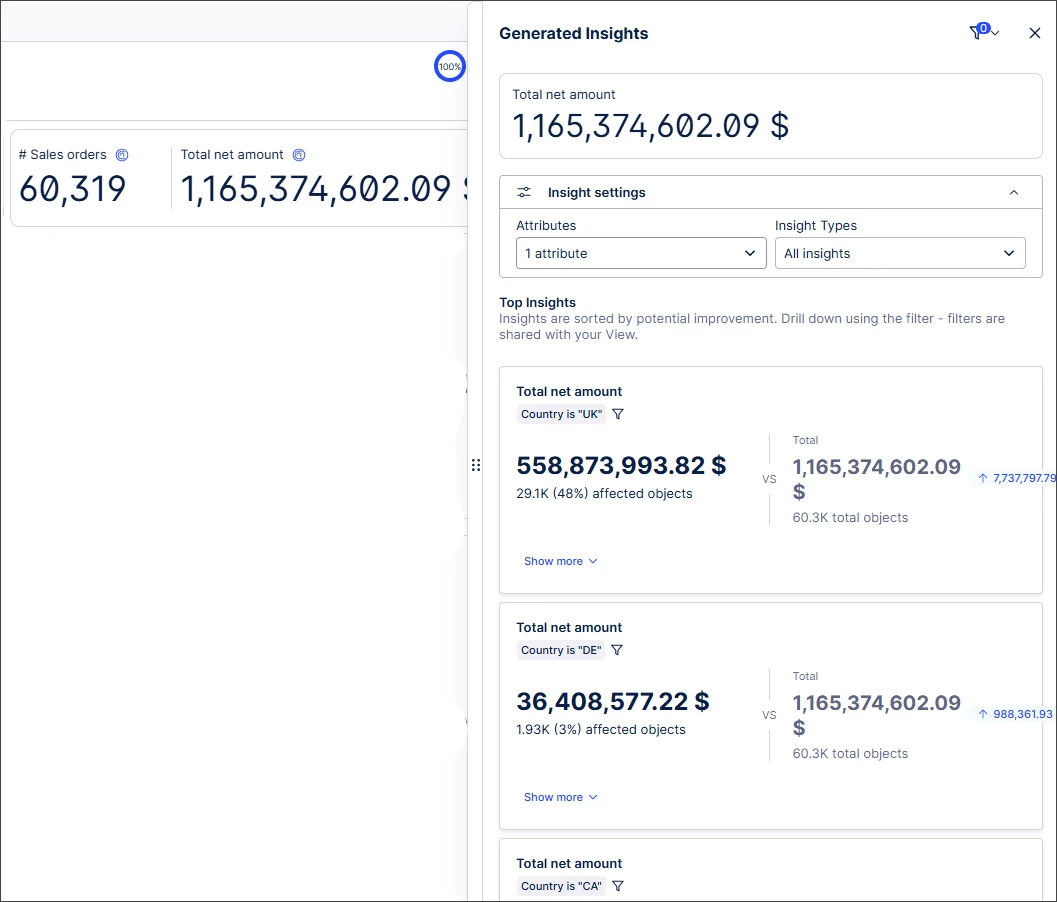
Optimize performance metrics directly within Views with Insight Generation. You can now automatically generate insights for KPI cards and list components to evaluate attribute impacts before applying them as filters.
IMPROVED Live reasoning traces for Process Copilots
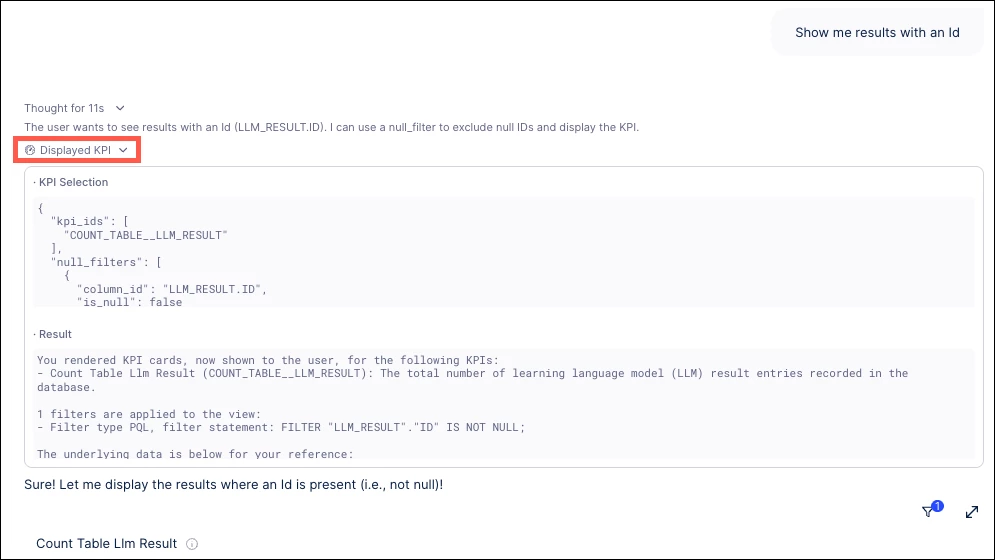
Gain confidence in your automation workflows with live reasoning traces. You can now follow the step-by-step thinking, tool calls, and data retrievals your Process Copilot uses to formulate answers to your queries.
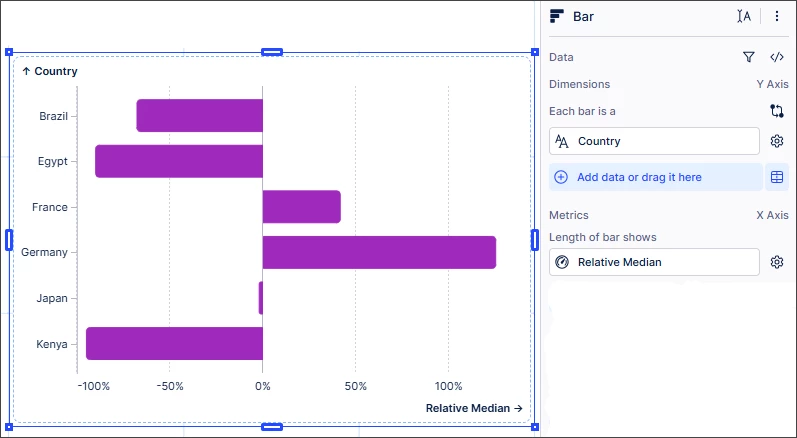
IMPROVED Displaying chart values as a percentage of the overall value
Simplify your performance analysis by displaying chart values as a percentage. You can now drag and drop a metric to automatically display data as a relative sum, average, or median without complex manual calculations.
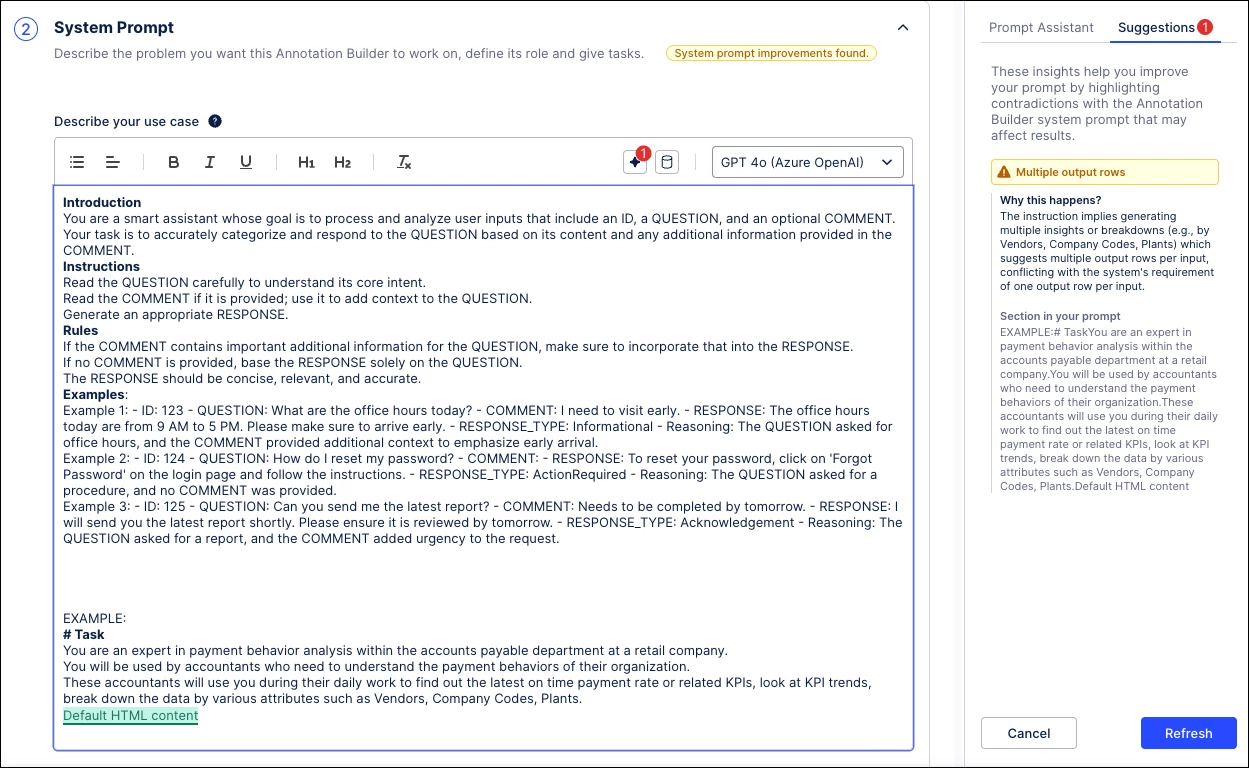
IMPROVED System Prompt validation in Annotation Builder
Ensure error-free execution pipelines with automatic System Prompt validation. The Prompt Assistant now validates custom prompts against the system schema prior to processing, identifying structural conflicts and offering suggested fixes.
Release notes | Product Updates | Technical Bulletin | Status Updates