

Question

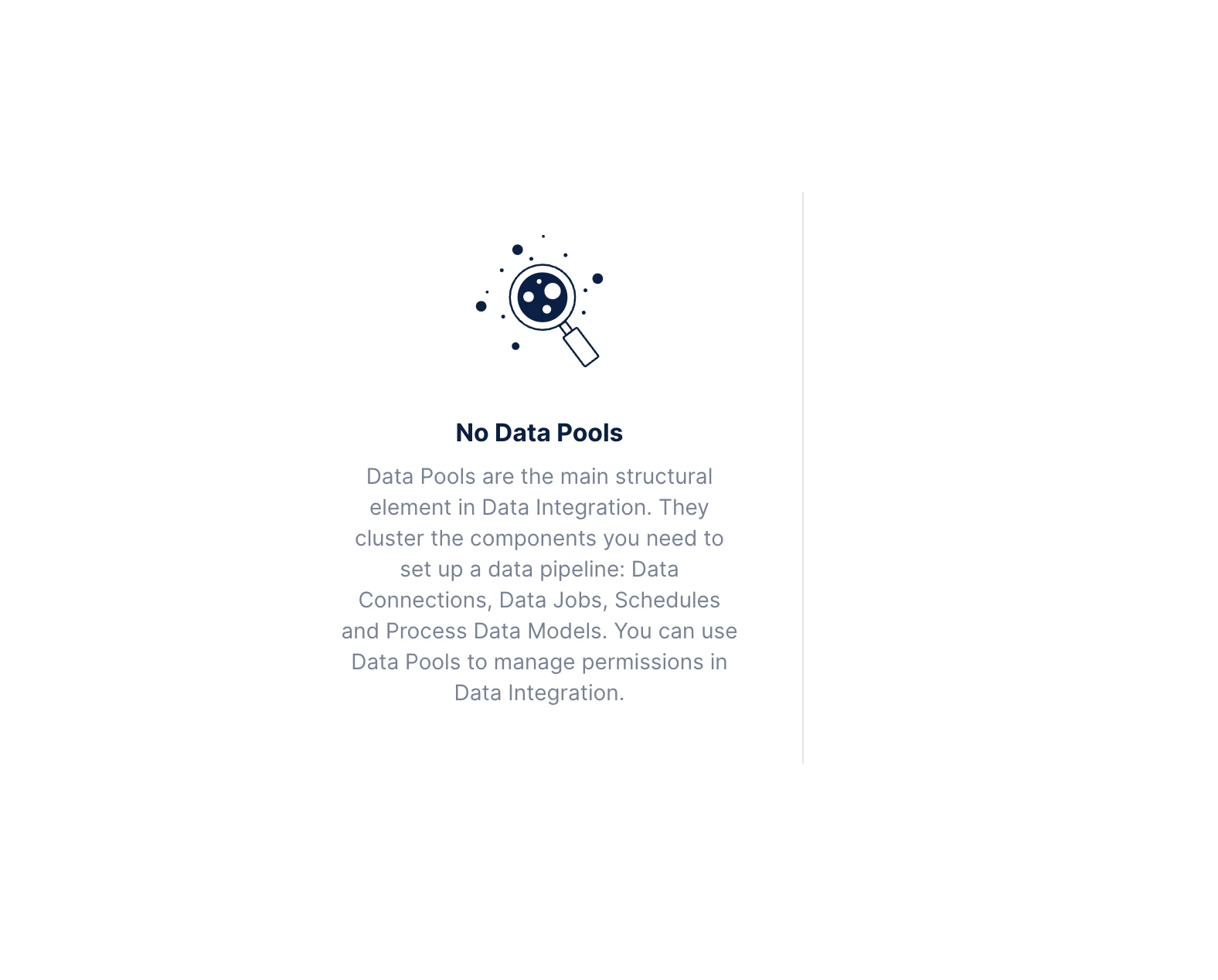
"No data pools" when clicking Data - Data Integration

  • July 7, 2026
  • 4 replies
  • 581 views

lily.pooh
Level 2
Forum|alt.badge.img

Hello Celonis community, I have been trying to create a Object-Centric Data Model in a sandbox studio. When I click Data - Data Integration on the side menu, I always get “No Data Pools” as the screenshot show, but without any buttons to create a new data pool. Does anyone know how to solve this please? Thank you!

 

4 replies

abhishek.chatu14
Level 12
Forum|alt.badge.img+8

lily.pooh
Level 2
Forum|alt.badge.img
  • Author
  • Level 2
  • July 8, 2026

Thank you for the reply. No, I did not get the option of creating one.


abhishek.chatu14
Level 12
Forum|alt.badge.img+8

What kind of access do you have? Are you an analyst in the environment?

Since its the sandbox studio you may need to raise a request with Celonis support to enable the same


gagan1
Member Spotlight
Forum|alt.badge.img+6
  • Member Spotlight
  • July 10, 2026

Hi ​@lily.pooh ,
 

This seems a permissions issue. Having Studio access does not automatically give you Data Integration rights. They are managed separately.


To fix it, go to Admin & Settings in your Celonis platform and check your Service Permissions. Your account specifically needs the "Create Data Pools (Analyst)" or "Manage all Data Pools (Analyst)" permission under the Data Integration service. If you don't see Admin & Settings at all, you're not a team admin and someone who is needs to grant you that permission.


If this is a training or partner sandbox, there's a chance your environment was provisioned without Data Integration enabled. In that case you'd need to contact Celonis support to have it turned on for your team.


One more thing to check: make sure you're in the right team. Some sandboxes have a team switcher in your profile menu, and you might be sitting in a view-only demo team instead of your actual development team.