Question

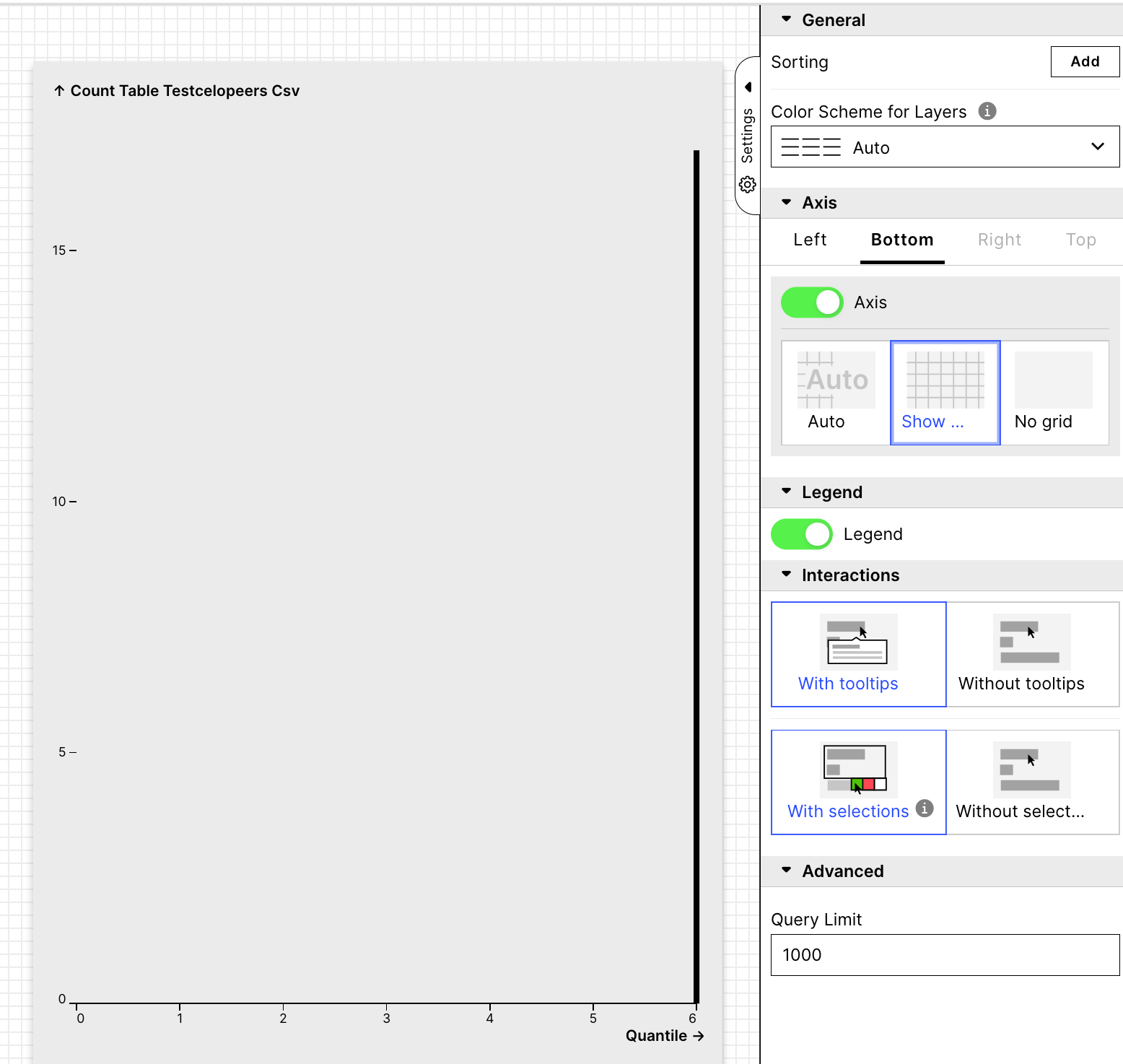
How can i change the range of the vertical (y) axis of a chart component in a view?

  • Sep 15, 2022 8:51 AM UTC
  • 3 replies
  • 157 views

image

3 replies

  • Sep 16, 2022 6:29 AM UTC

Depends what you want to do, but in the editor view there are several options


imageimage 

HTH


  • Sep 21, 2022 12:13 PM UTC

Depends what you want to do, but in the editor view there are several options


imageimage 

HTH

The problem is that the range of the vertical axis is automatically set from zero to the final number of cases and I want to change it manually. Could you tell me what options I have to change this or show me where I can find this option in the edtior/jamal?


  • Sep 21, 2022 12:37 PM UTC

The problem is that the range of the vertical axis is automatically set from zero to the final number of cases and I want to change it manually. Could you tell me what options I have to change this or show me where I can find this option in the edtior/jamal?

I guess you want to set the axis to a specific range?


You need to play with the yaml code.

It seems to be the directives zeroBased or domain


id: chart-38b8b3bf-44d9-4a7b-b4b3-a5177ab7c368

type: chart

settings:

visuals:

- mark:

type: bar

bandwidth: 0

id: 03010d9d-ba70-427f-9b61-219d2d85bf75

order: 100

sortBy: []

limit: 1000

encodings:

x:

field: TESTCELOPEERS_CSV.quantile

zeroBased: false

domain:

- 10

- 500

y:

field: COUNT_TABLE__TESTCELOPEERS_CSV

zeroBased: false

axis:

grid: False

showLegend: true

knowledgeModelKey: testggb1


imageimage