
Hello everyone,
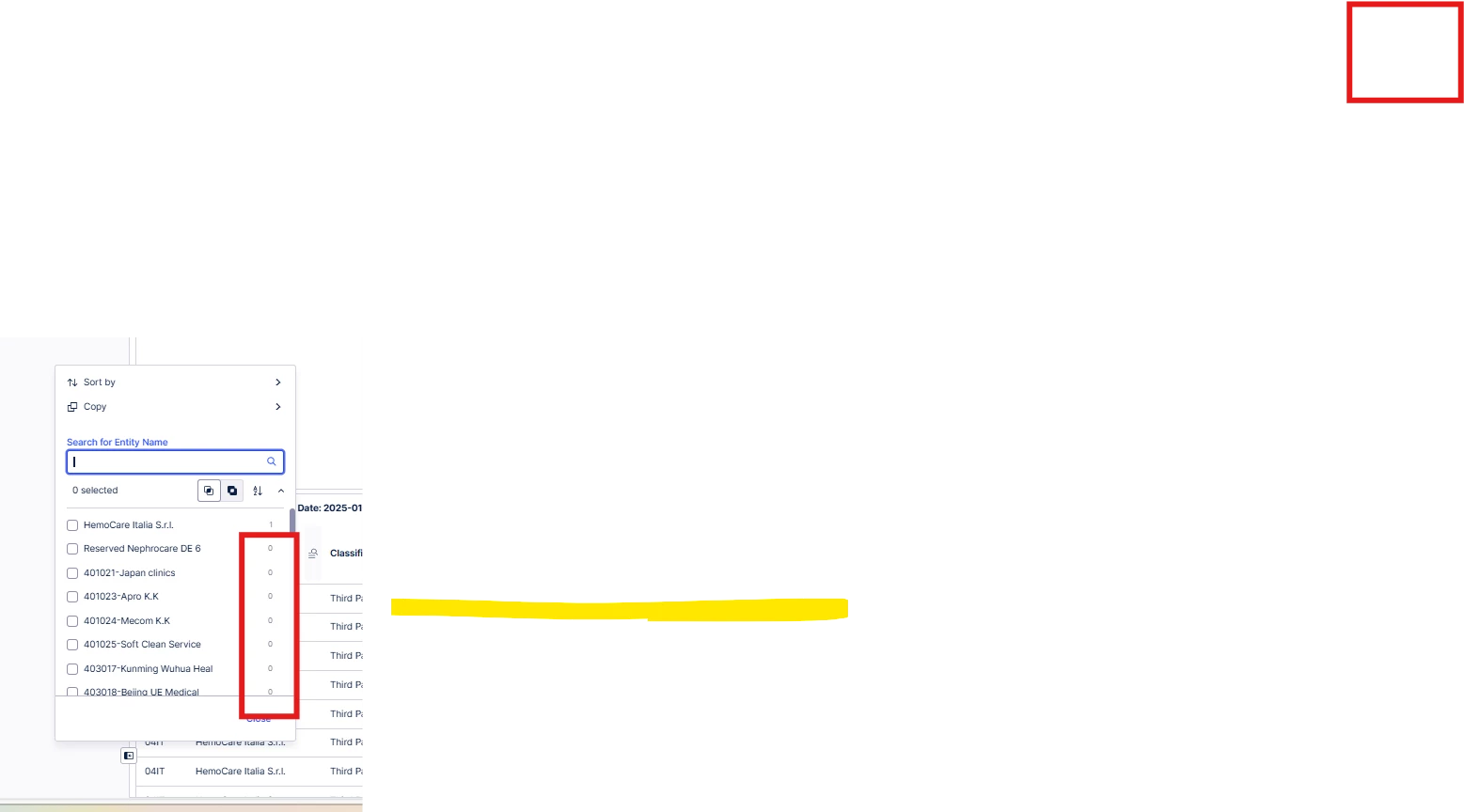
When a filter is applied (e.g., for a specific source system or company code), other filters still display values outside the selected scope with 0 values.
Is there a way to hide these values completely instead of showing them as 0?

Hello everyone,
When a filter is applied (e.g., for a specific source system or company code), other filters still display values outside the selected scope with 0 values.
Is there a way to hide these values completely instead of showing them as 0?
Best answer by Amishee Choksi
Hi Chetan,
We cannot hide those values specifically, they will continue to show the 0 value.
Is there a specific reason you want to hide these values?
Enter your E-mail address. We'll send you an e-mail with instructions to reset your password.