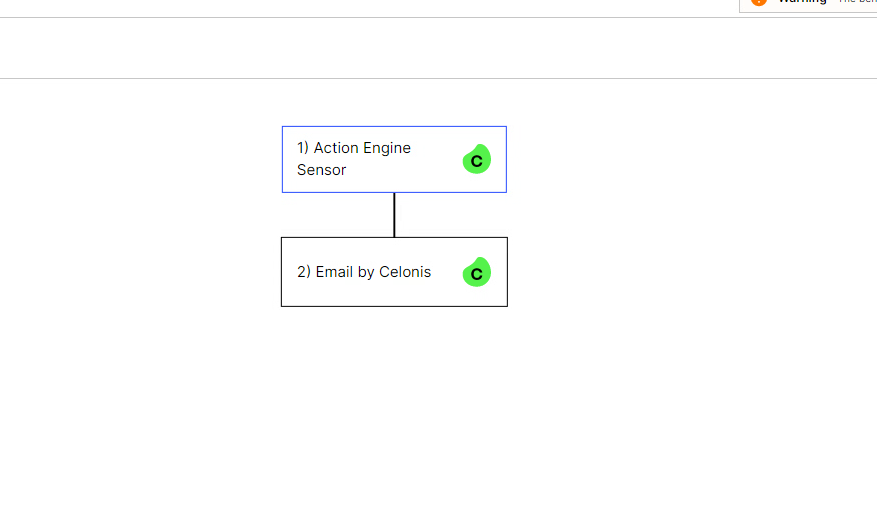
We are currently in the midst of migrating all our Analyses and Action Engines to Studio. Celonis provided with a functionality to seamlessly migrate the analyses to Studio.
Is there an easy way to migrate Action Engine Skills to Skills within Studio?
did this script work? What exactly are you trying to migrate? Action Engine Skills have a different functionality than the new EMS capabilities so I believe you can't actually migrate the Action Engine Skills.
Addition: We are recommending using Action Flows going forward as this solution offers many more capabilities and it might be the case that support for Action Engine will be determined at some point.
We ended up re-creating our Alerts manually in Studio with Action Views and Profile Views. The Alert rules we're quite simple so we didn't bother with the python script. Thanks anyway @janpeter.van.d@kevin.flesc
@miriam.luttr Great to hear it worked. Can you share how you did it here so others can benefit from it as well in case they have the same question? :) Would be great to provide your information for the community.