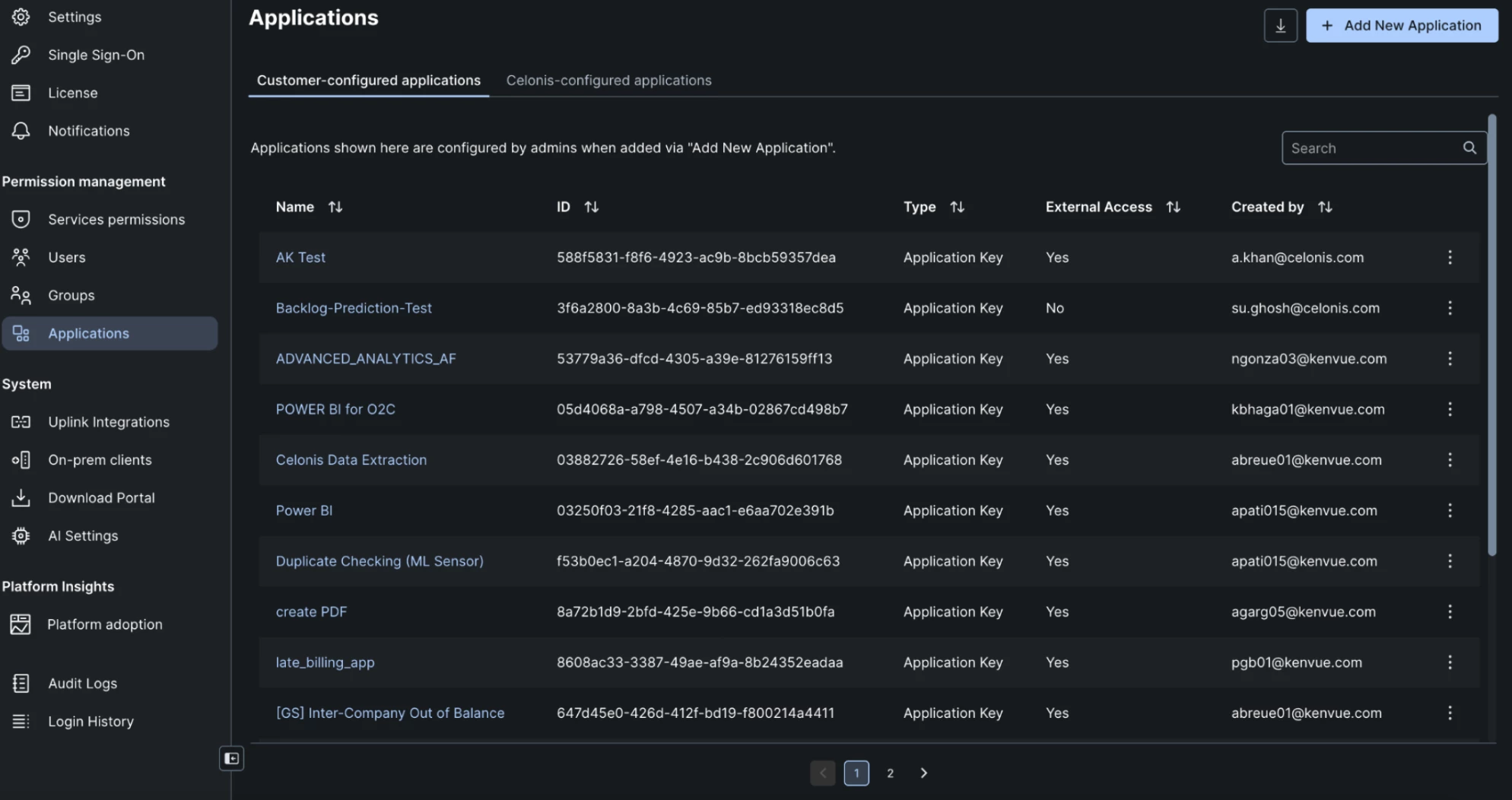

Need to automate user provisioning and permission management without manual work? Enable API access so external applications can help you scale.
We spoke with Senior VE, Abdullah Khan, about the steps he follows to add users to a Celonis environment, assign them to a user group, and change their permissions automatically using a script in MLWB. This requires creating an "application" with the appropriate permissions and using the associated API key in the script to access Celonis.
Here’s exactly how he did it:
- Go to Admin & Settings -> Applications -> Add New Application
- Name your application
- Generate an API key
- Be sure to store this somewhere safe and easy to locate for future use
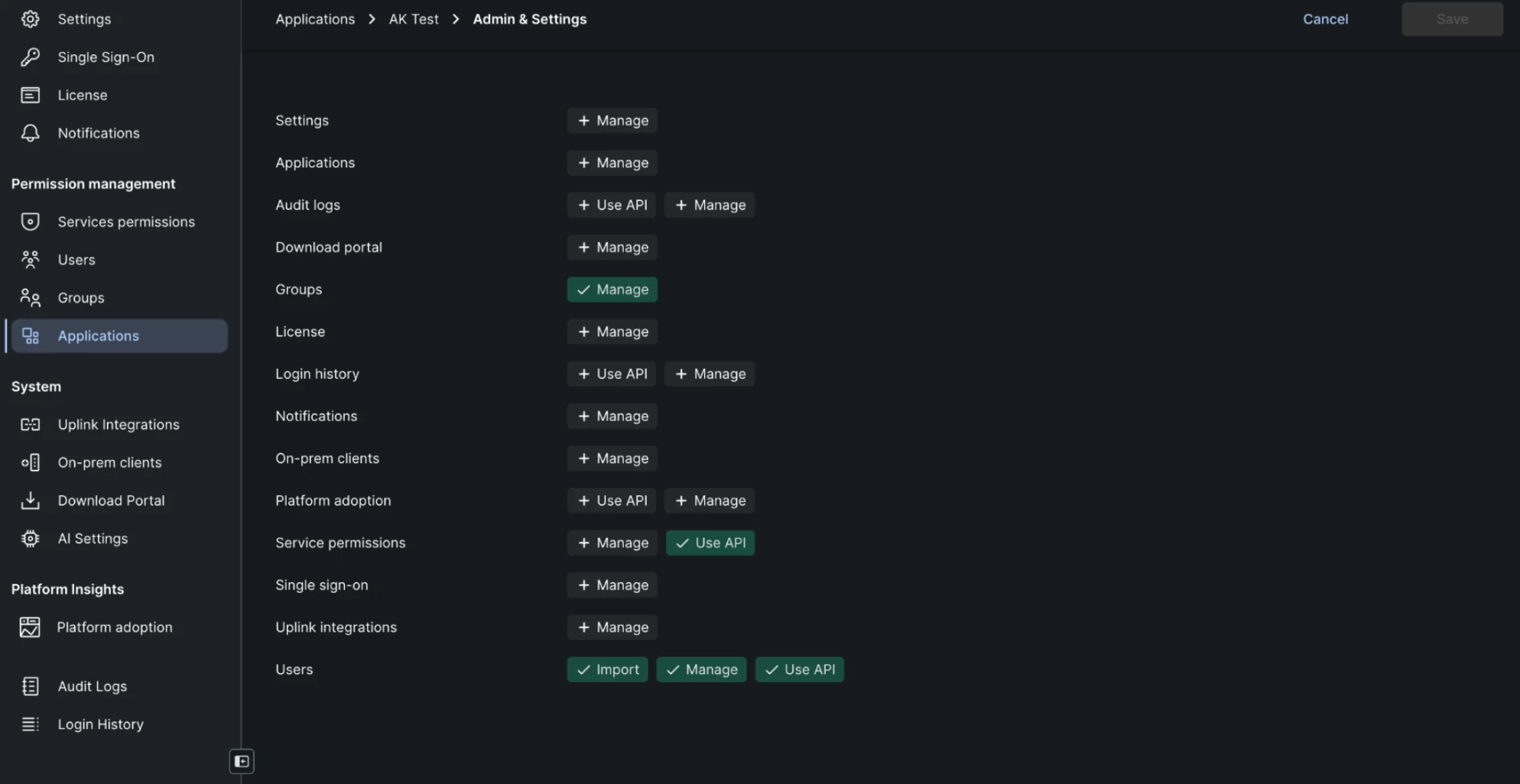
- Set the appropriate permissions. Screenshots below for reference.