UNABLE TO UPLOAD FILE ON EMS !!!

  • May 27, 2022
  • 14 replies
  • 14 views

UNABLE TO UPLOAD FILE ON EMS !!!

I have a csv file that is correctly uploaded on a trainning team but is being uploaded on my EMS CUSTOMER. Is Trainning better than EMS?

14 replies

Hi Adriana ,

What error are you getting while loading the file on EMS ?


Alternative way:

Please load this file under global connection and this will be be loaded or accessible.


I too had a similar problem , where my file was loaded correctly but I was unable to locate the file. So , loaded the same under Global schema and this worked.


Please let me know if this solved your issue and if yes, please mark this answer are best answer.


Regards

Ayan


Forum|alt.badge.img+9

Ideally it should not be the case. It is worthwhile raising a ticket to SD.


  • Author
  • Level 2
  • May 31, 2022

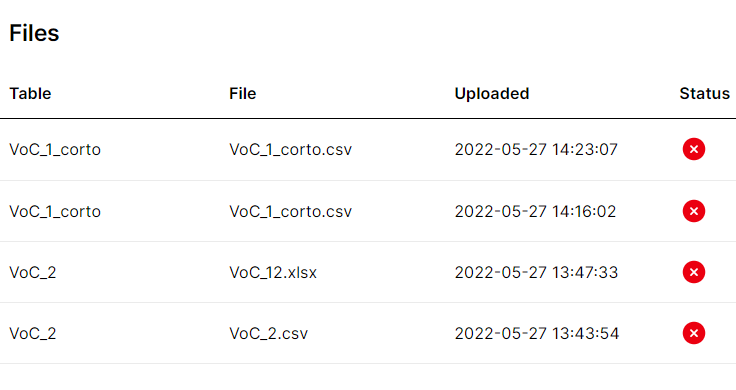
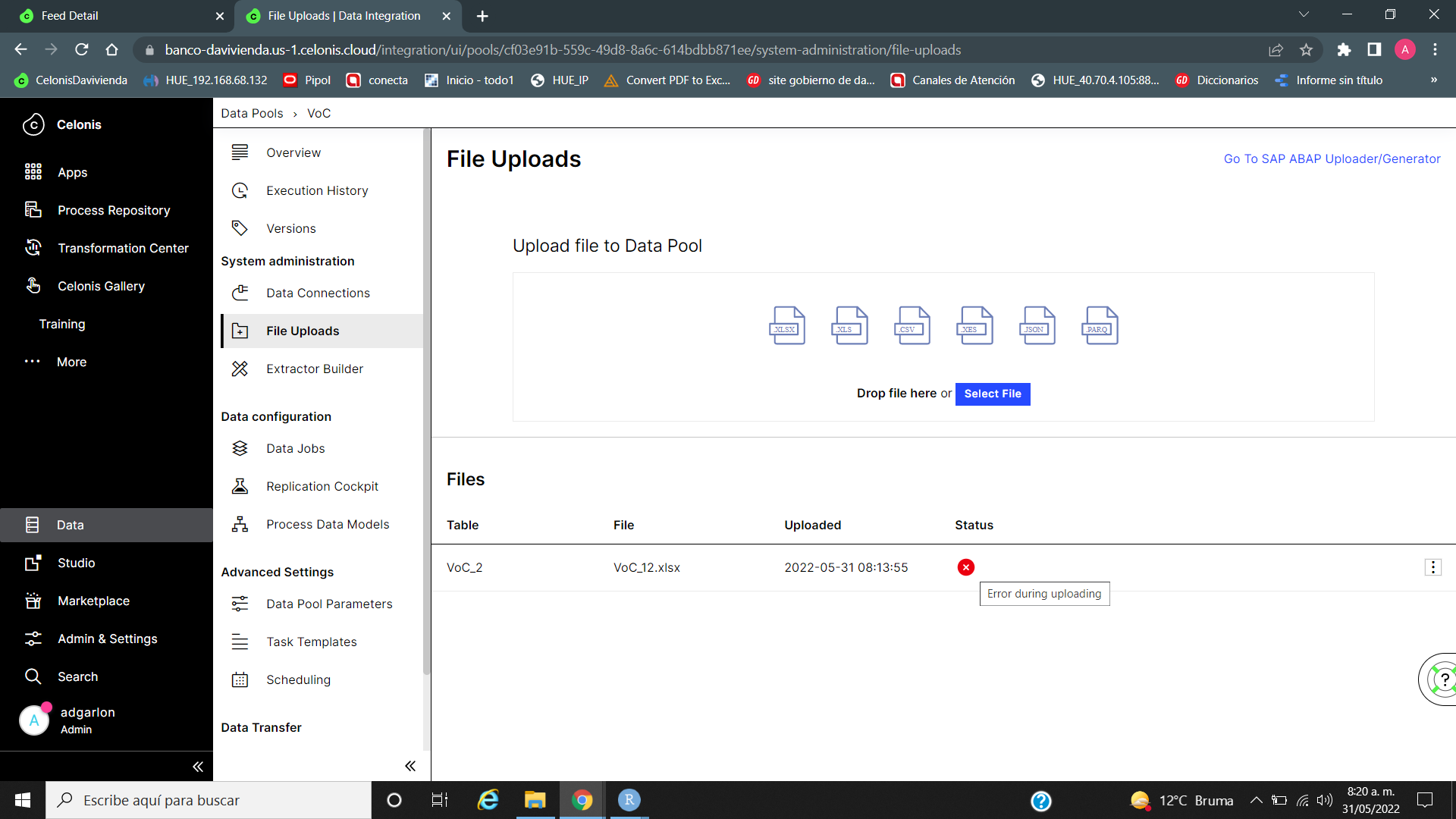
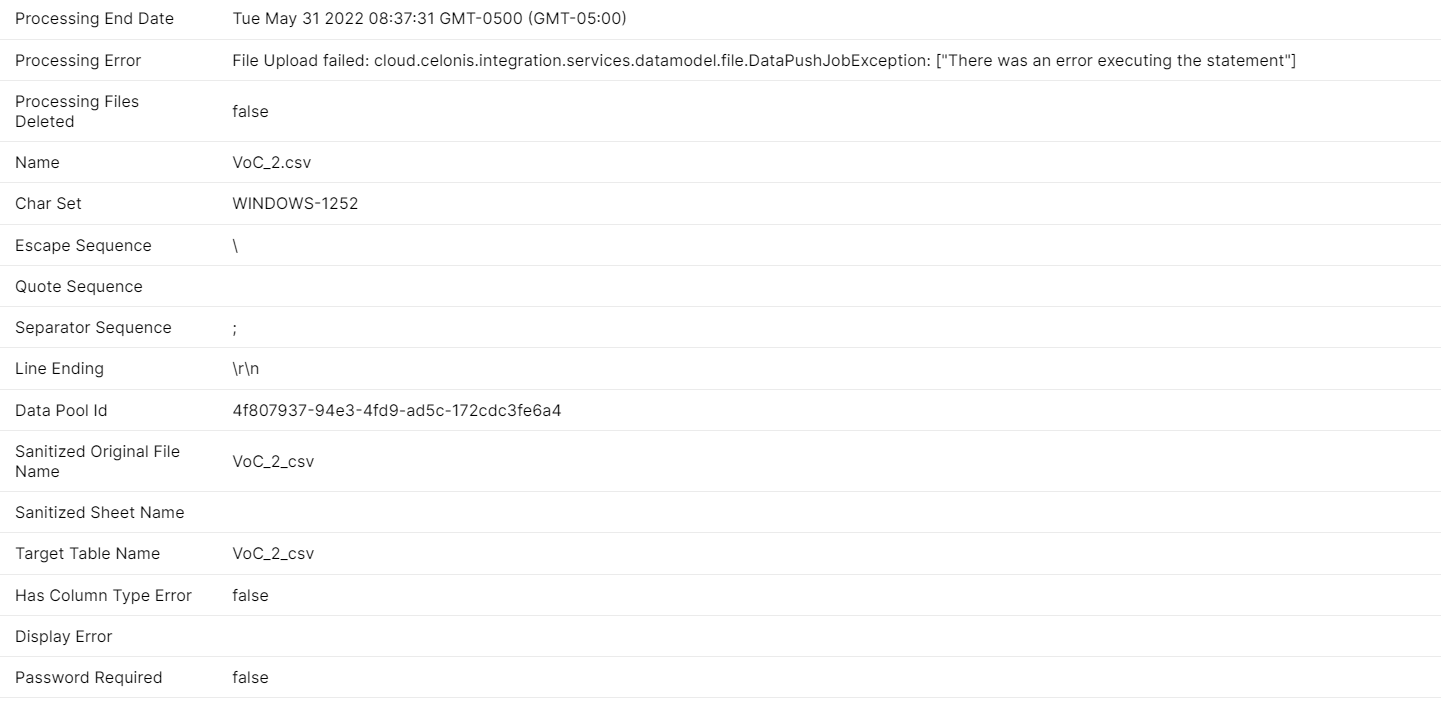
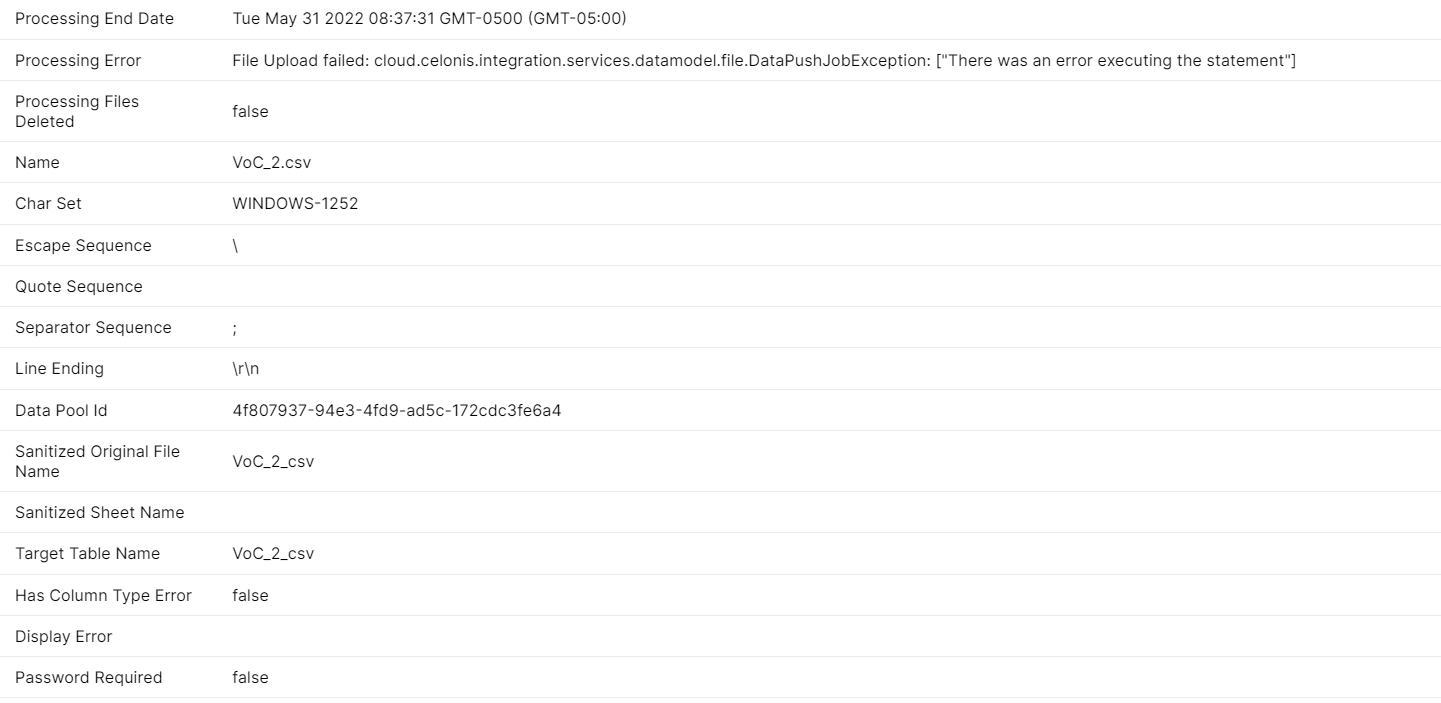
This is error, does not let me upload correctly the file, even if checking format and making only one row to test :(image


  • Author
  • Level 2
  • May 31, 2022

And is super weird because in trainning I am able to upload same file


  • Author
  • Level 2
  • May 31, 2022

Hi Adriana ,

What error are you getting while loading the file on EMS ?


Alternative way:

Please load this file under global connection and this will be be loaded or accessible.


I too had a similar problem , where my file was loaded correctly but I was unable to locate the file. So , loaded the same under Global schema and this worked.


Please let me know if this solved your issue and if yes, please mark this answer are best answer.


Regards

Ayan

Not able to fix it. :(


  • Author
  • Level 2
  • May 31, 2022

Hi Adriana ,

What error are you getting while loading the file on EMS ?


Alternative way:

Please load this file under global connection and this will be be loaded or accessible.


I too had a similar problem , where my file was loaded correctly but I was unable to locate the file. So , loaded the same under Global schema and this worked.


Please let me know if this solved your issue and if yes, please mark this answer are best answer.


Regards

Ayan

How did you load it as global schema?


The files are password protect? Did you try to upload a xls (or any other format) file instead just in order to verify if upload is working?


  • Author
  • Level 2
  • May 31, 2022

The files are password protect? Did you try to upload a xls (or any other format) file instead just in order to verify if upload is working?

Have already tried csv file, xls file. No passwords. Even a 10 row file and get same error


  • Author
  • Level 2
  • May 31, 2022

imageimage


  • Author
  • Level 2
  • May 31, 2022

Ideally it should not be the case. It is worthwhile raising a ticket to SD.

Already rise 2 tickets


Forum|alt.badge.img+9

imageimage

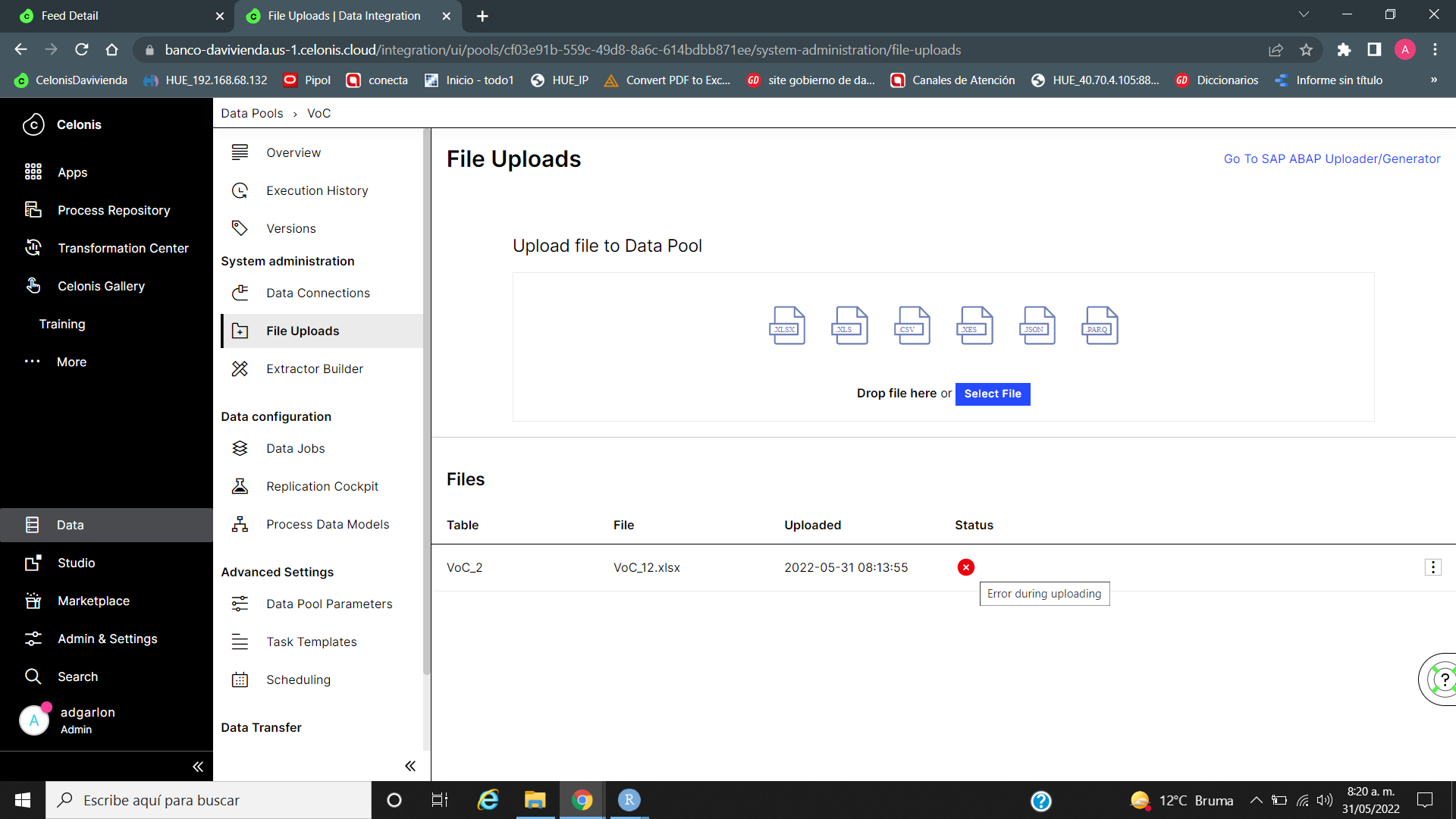
whats the error message when you clock on VoC2 ?


  • Author
  • Level 2
  • May 31, 2022

whats the error message when you clock on VoC2 ?

imageimage


Forum|alt.badge.img+9

Already rise 2 tickets

Ah is it. If it's a C4C tenant, can you contact the C4C contact for this ? Or maybe your customer success manager.


Have already tried csv file, xls file. No passwords. Even a 10 row file and get same error

Celonis EMS is very unstable...I tried to upload in the one that I have and it work fine. It seems a specific error for your enviroment. Can you try another enviroment?