
Question

How to change data source for Celonis catalog objects ?

  • August 27, 2026
  • 8 replies
  • 269 views

wolfgang.voelk
Level 8
Forum|alt.badge.img+2

I asked a similar question some time ago, still looking for an elegant solution:

Context:
Currently we do all the extraction within one Data pool, that does also contain the OCPM objects and events. Since we start to connect additional systems, we want to use the approach “1 dedicated Data pool per system, 1 common Data pool for all OCPM objects and events data”

Problem:
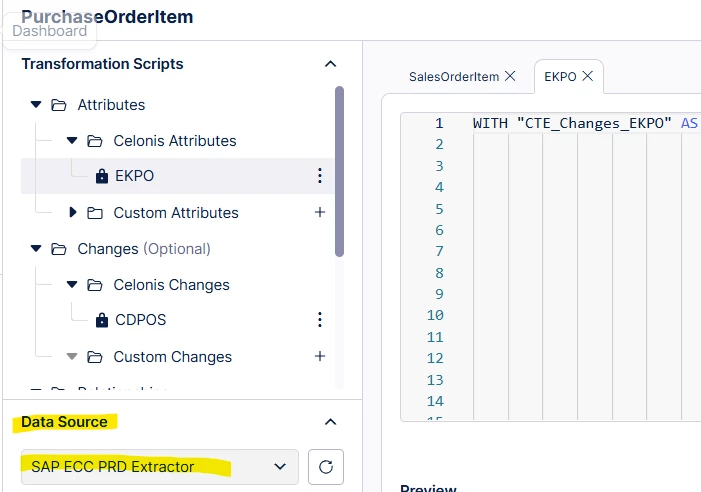
I hoped to simply rebuild the existing extractions in a new Data pool and then switch the Data source within the OCPM-transformations to the new Data pool. This works totally fine for custom objects, but for Celonis objects the Data source is read-only:


What is the most “elegant” solution?

One approach would be to create a view for each table: view in the old data source pointing to the underlaying table of the new data pool. ...quite a lot of (maintenance) effort and not sure whether this would work.

Another approach is to create full overwrites of all transformations. But by this you loose the connection to the official catalog with its updates.


What would you do? Or do have Celonis Admins the possibility to change the Data Source (in some “God-mode”)?

8 replies

gagan1
Level 12
Forum|alt.badge.img+6
  • Level 12
  • August 29, 2026

Hey ​@wolfgang.voelk ,
 

Your view idea is basically right, you just do not have to build them yourself. There is an export/import for Data Connections between pools, and the import takes views of the tables instead of copying the data. So rather than repointing the transformation at the other pool, you pull that pool's connection into the OCPM pool and the Data Source stays local.

Roughly the path:

  1. In the extraction pool, open the Data Connection and use Export data connection, then pick the OCPM pool as the target
  2. In the OCPM pool, import it and synchronize the connection
  3. Save the data pool version, otherwise it sits in draft
  4. Data, Objects and Events, Catalog, open the process, enable it, select the imported connection from the dropdown and click Add
  5. Run ocpm-data-job

One thing that will bite your plan though: the OCPM pool cannot export its connections back out. It only goes system pool into OCPM pool, so you will not be able to lift the connections out of your current combined pool.
 

Two links, the second one has the OCPM specific bit near the data pool sharing part:

https://docs.celonis.com/en/sharing-data-between-data-pools.html

https://docs.celonis.com/en/troubleshooting-data-extraction-and-pre-processing.html


I have not done this exact split myself, so I would test small before touching anything. Import one connection, save the pool version, see if it shows up in the catalog dropdown. It stays in draft until you save the version, so do not panic if it is not there straight away.

And yes, agree on avoiding full overwrites.


God mode, no idea, never seen anything about it. If support tells you, post it here :)


wolfgang.voelk
Level 8
Forum|alt.badge.img+2

Thank you very much for this detailed answer / manual!


One thing remains open for me: For sure, I can create the new (shared) data connection. Once I enable it in the catalogue settings of the process, Celonis will create the default transformations linked to this connection → check!

In our case, we do have quite a lot of adaptations (partial overwrites, custom attributes, ...). I would have to copy & paste them manually from the transformations of the old connection to the transformations of the new connection. Is there any way, to avoid this / do it automatically?


gagan1
Level 12
Forum|alt.badge.img+6
  • Level 12
  • September 1, 2026

hey wolfgang,

templates are what you want here. instances inherit the template logic, and each instance can point at its own data connection, so you build your adaptations once in the template instead of per connection. when you create a transformation there's a start from a template option.

also worth testing before you do any of that: transformations support data connection parameters that override the default data source. if that's settable on a locked catalog transformation you might just repoint the existing one and skip the whole rebuild. i haven't tried it on a catalog object, worth 10 minutes on one transformation.

didn't find any bulk copy for existing overwrites, so anything template-shaped is the way.

one q, are your custom attributes extension scripts? if so they may sit at object type level and not need redoing at all.


gagan1
Level 12
Forum|alt.badge.img+6
  • Level 12
  • September 1, 2026

wolfgang.voelk
Level 8
Forum|alt.badge.img+2

Hello Gagan!

We do have the whole Accounts Payable process in place since 2 years. So there is already quite a lot adaptions to the catalog transformations.

Our custom attributes are generally on object level. But their transformations are bound to a date source (read only). Same for partial overwrites.


So if I change the data source (by adding the new one as described by you), I will have to manually transfer all these changes and enlargements of the catalog process manually. (Whereas for custom objects I am able to simply switch the data source)

...seems that there is no other way? :-(


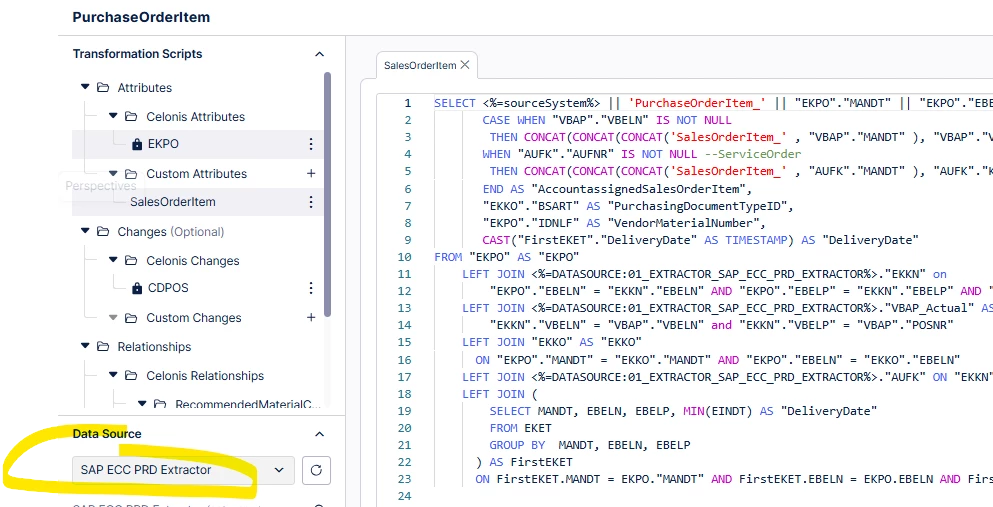
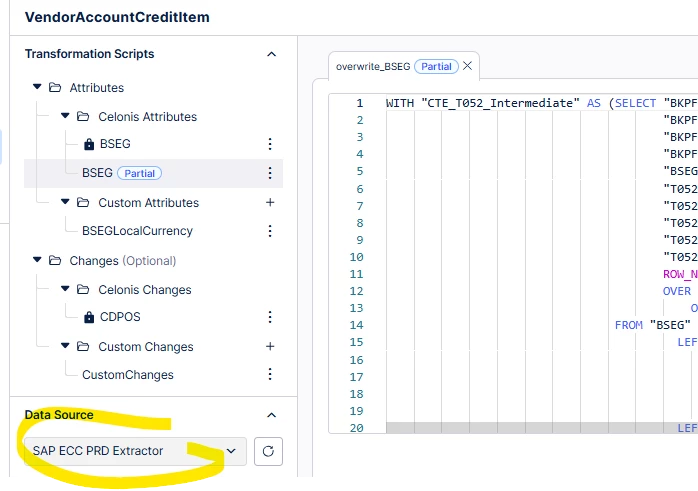
Celonis objects (data source is read only):

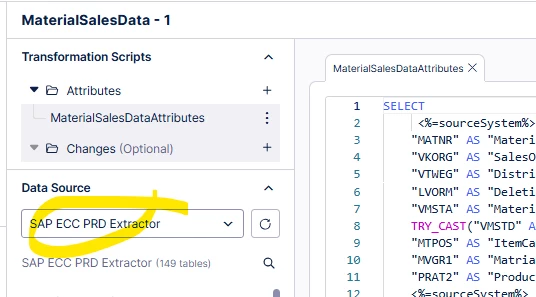
Custom object (data source can easily be changed):


gagan1
Level 12
Forum|alt.badge.img+6
  • Level 12
  • September 5, 2026

hey ​@wolfgang.voelk  ,
 

there is one more angle: instead of moving your adaptations to a new connection,
keep the connection and change what sits behind it. then nothing in your catalog
transformations, partial overwrites or custom attributes has to move at all.

- import the new pool's connection into the OCPM pool, but don't enable the
  catalog on it
- stop the extractions that write into SAP ECC PRD Extractor, otherwise the next
  run recreates the tables over your views
- drop the extracted table you want to test with, DROP VIEW will not remove a
  table and CREATE will fail on an occupied name
- in the GLOBAL scope of the OCPM pool, create a data job with one statement per
  table:


DROP VIEW IF EXISTS <%=DATASOURCE:01_EXTRACTOR_SAP_ECC_PRD_EXTRACTOR%>."EKPO";
CREATE OR REPLACE VIEW <%=DATASOURCE:01_EXTRACTOR_SAP_ECC_PRD_EXTRACTOR%>."EKPO" AS (
SELECT *
FROM <%=DATASOURCE:NEW_IMPORTED_CONN%>."EKPO"
);

NEW_IMPORTED_CONN is a placeholder, put your imported connection's name there.

- schedule that job before ocpm-data-job

global scope because that is the only scope that can see both the source data and
the target scope. your scripts keep resolving the same DATASOURCE token, the data
behind it now comes from the new pool.

the docs still send you to views for exactly your case, "Celonis-supplied
object/event transformations that hardcode standard table names and that you want
to keep untouched". they describe it against a dummy connection though, so doing
it on your live extractor connection is the part to prove. one table, ten minutes,
and you know.

if you use content-cli, also worth a look:
 

content-cli export data-pool --id <pool-id> --profile <your-profile> --outputToJsonFile

then search the json for one of your overwrite scripts. if they are in there, the
datasource is editable in the file and you could push them all back at once.

docs:
https://docs.celonis.com/en/troubleshooting-data-extraction-and-pre-processing.html

https://docs.celonis.com/en/sharing-data-between-data-pools.html

https://github.com/celonis/content-cli/blob/main/docs/user-guide/data-pool-commands.md


wolfgang.voelk
Level 8
Forum|alt.badge.img+2

Many thanks for your detailed answers. Yes, creating views in the old namespace / connection, pointing to the tables in the new namespace / connection is for sure the safe way. I did a test for it some time ago and I am quite sure that this worked as you describe it.

The content-cli-world is completely new to me. ...I will give it a try and dig into the documentation!


gagan1
Level 12
Forum|alt.badge.img+6
  • Level 12
  • September 7, 2026

Thanks, share us what worked for you or not when you may… and hope you find best solution soon