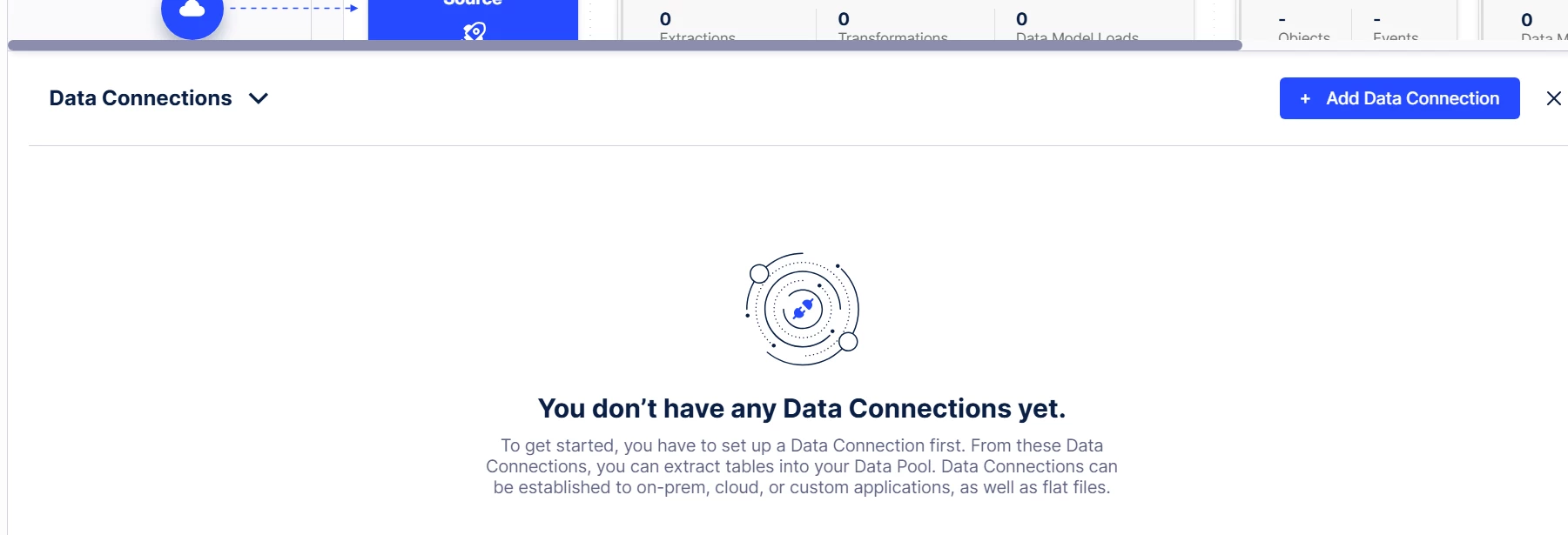
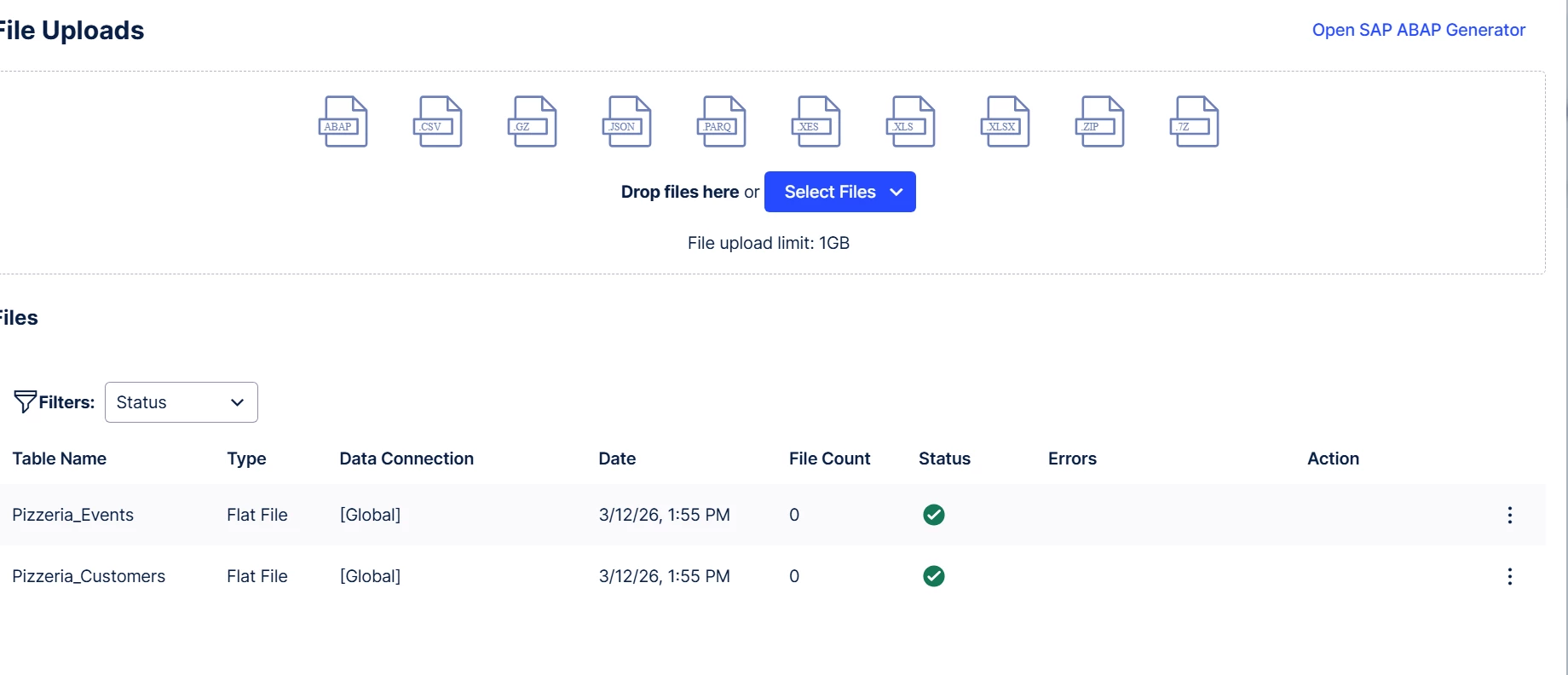
For testing some data, I just imported some manual files from my computer.
After I click the ‘Add data connection’ button, and add the 2 files from my PC, I dont see anything in the window below.



 +1
+1For testing some data, I just imported some manual files from my computer.
After I click the ‘Add data connection’ button, and add the 2 files from my PC, I dont see anything in the window below.
Enter your E-mail address. We'll send you an e-mail with instructions to reset your password.