

Hi Community,
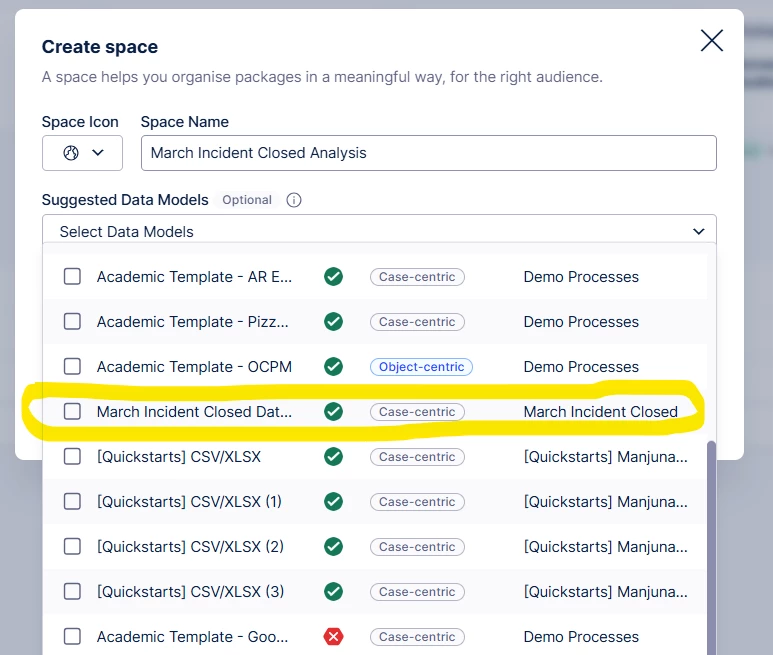
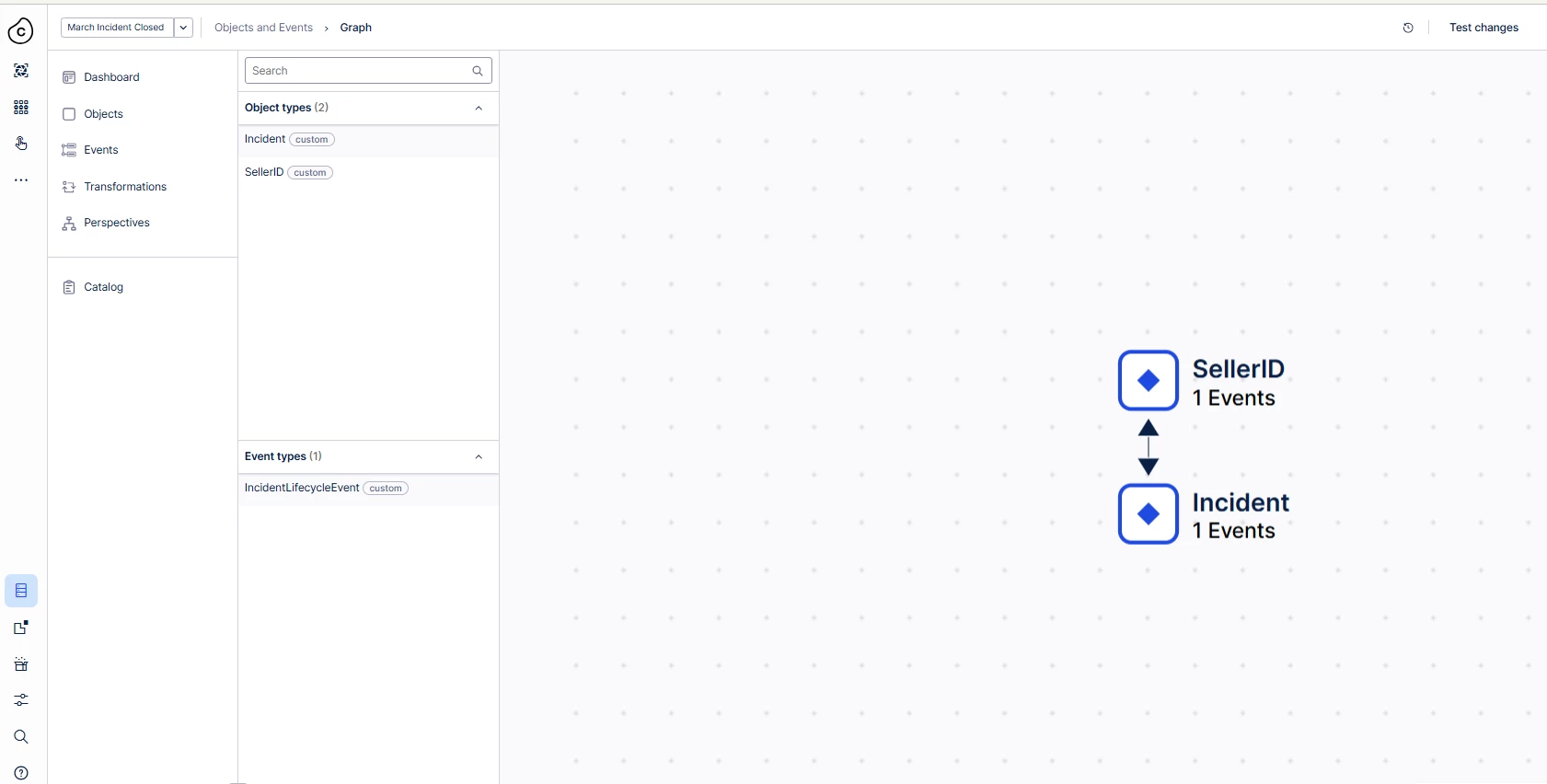
I’m working on an individual custom project (not based on any default Celonis template) and I’m facing an issue where no data is visible in Process Explorer, even though the data model and configurations appear to be correct. I’m looking for guidance on advanced or non-obvious checks specific to custom implementations.
Project context
-
This is an individual project
-
No default Celonis template is used
-
All event logs, case/object tables, and views are created manually
What is already verified and working
-
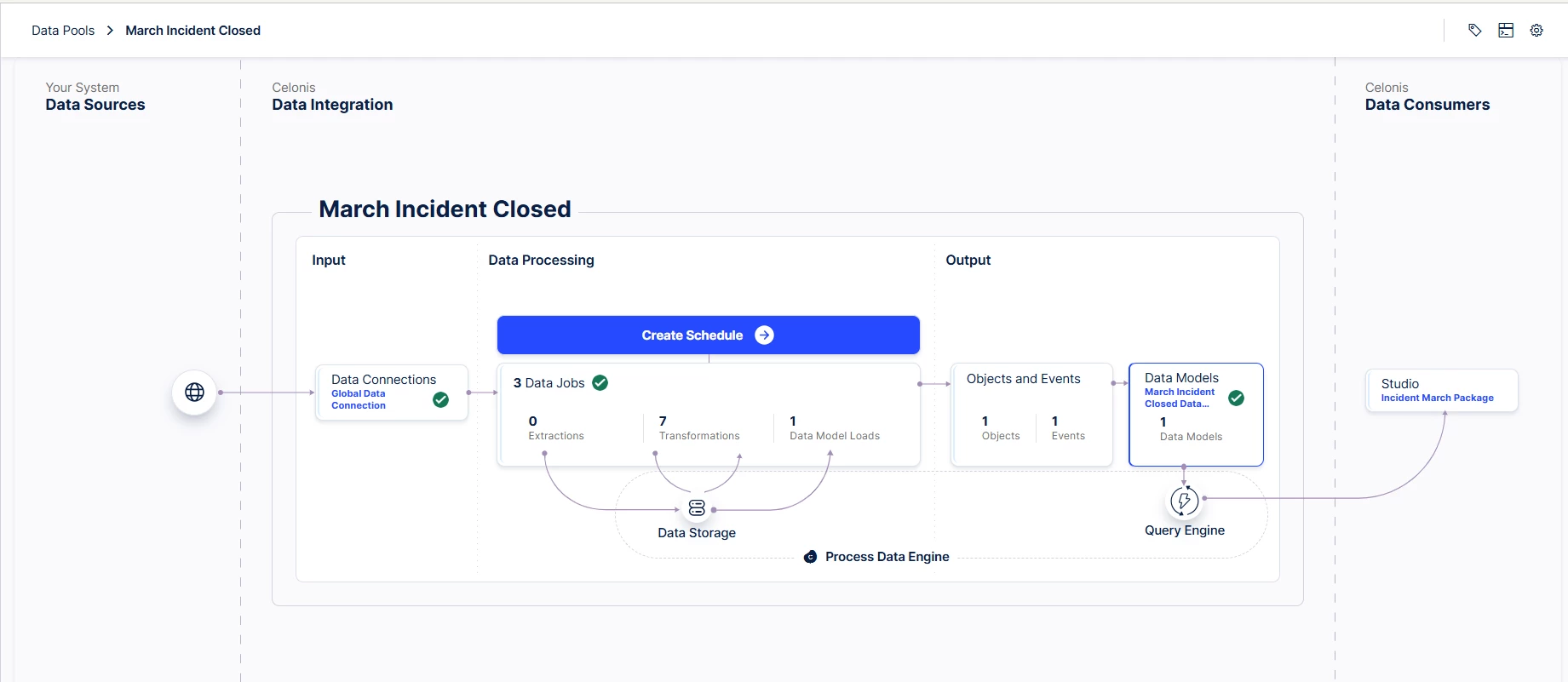
✅ Event data is successfully loaded into the data pool
-
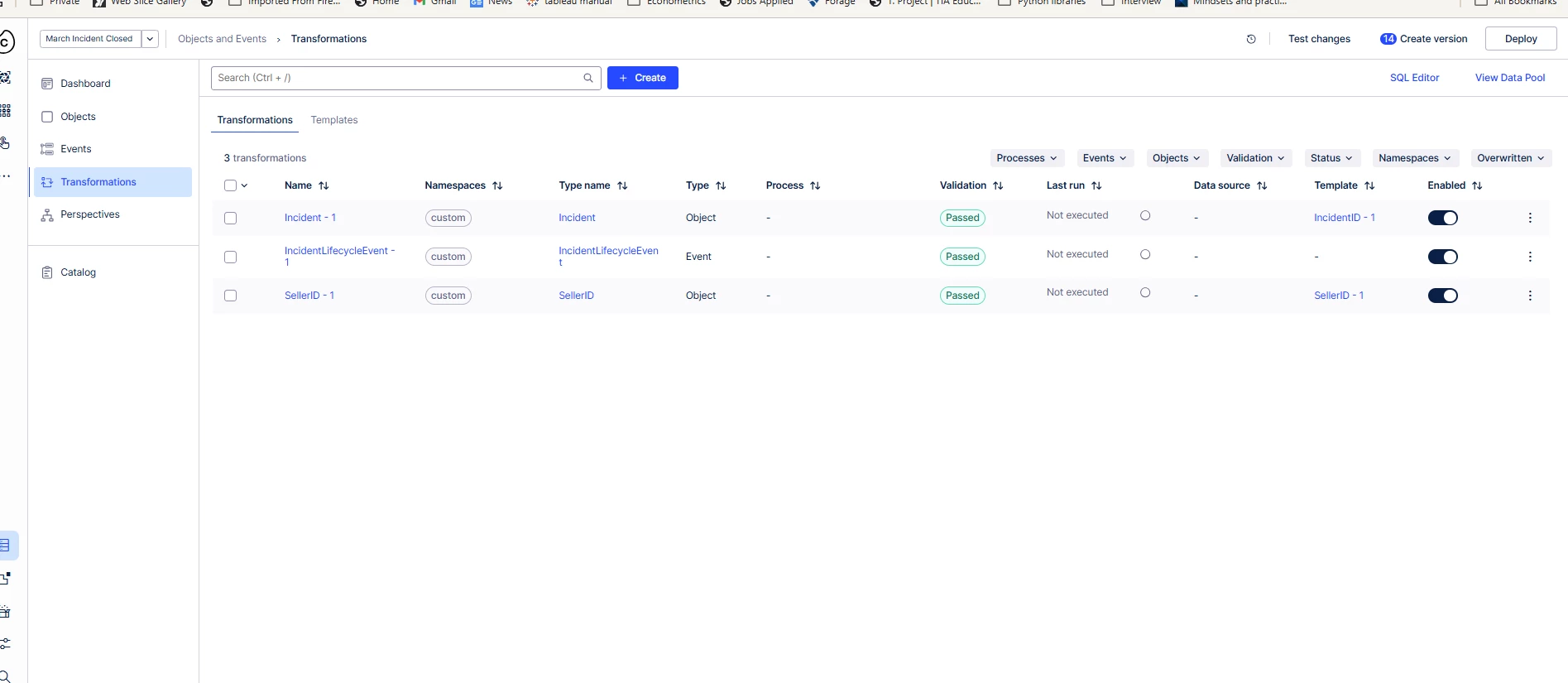
✅ Transformations execute without errors
-
✅ Data is visible in table preview after transformation
-
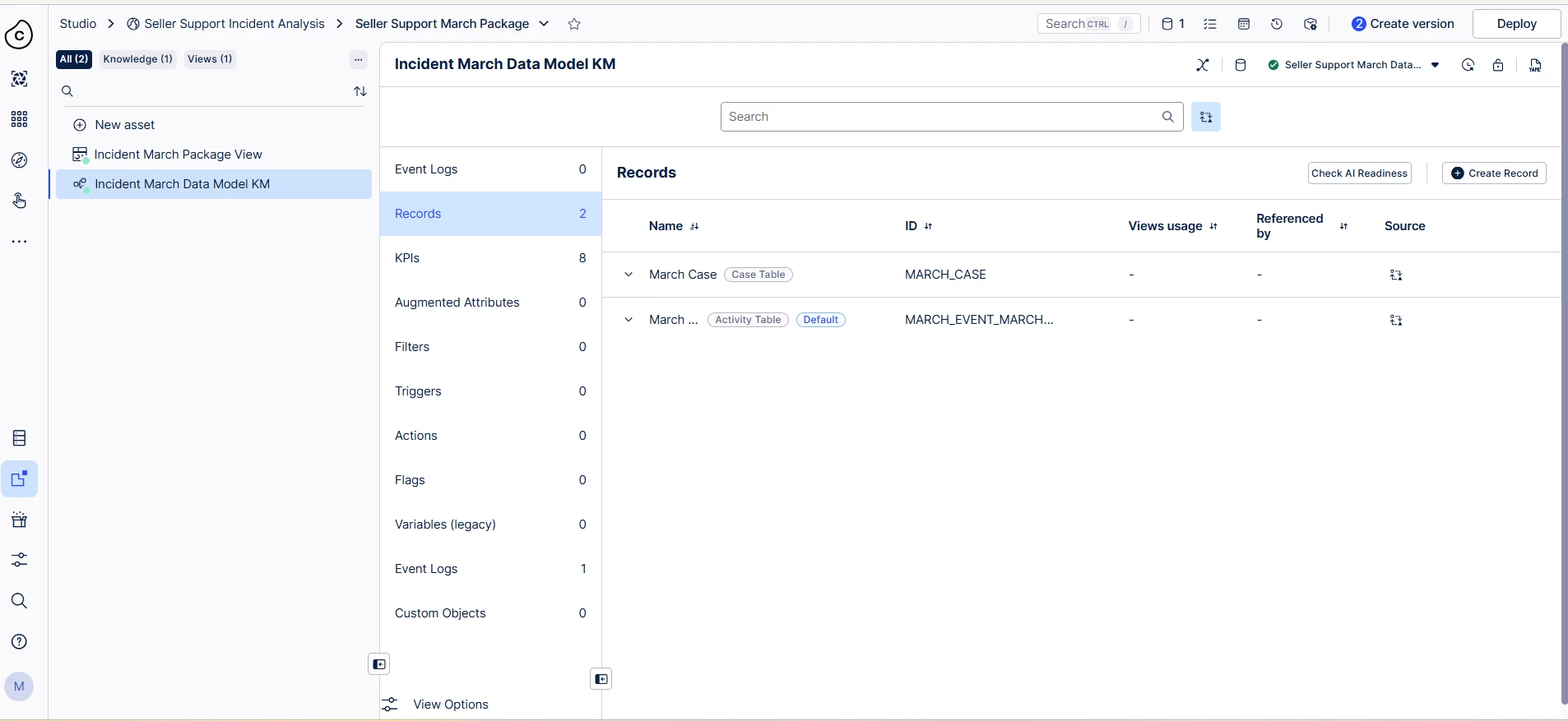
✅ Activity column is correctly configured and cross-checked
-
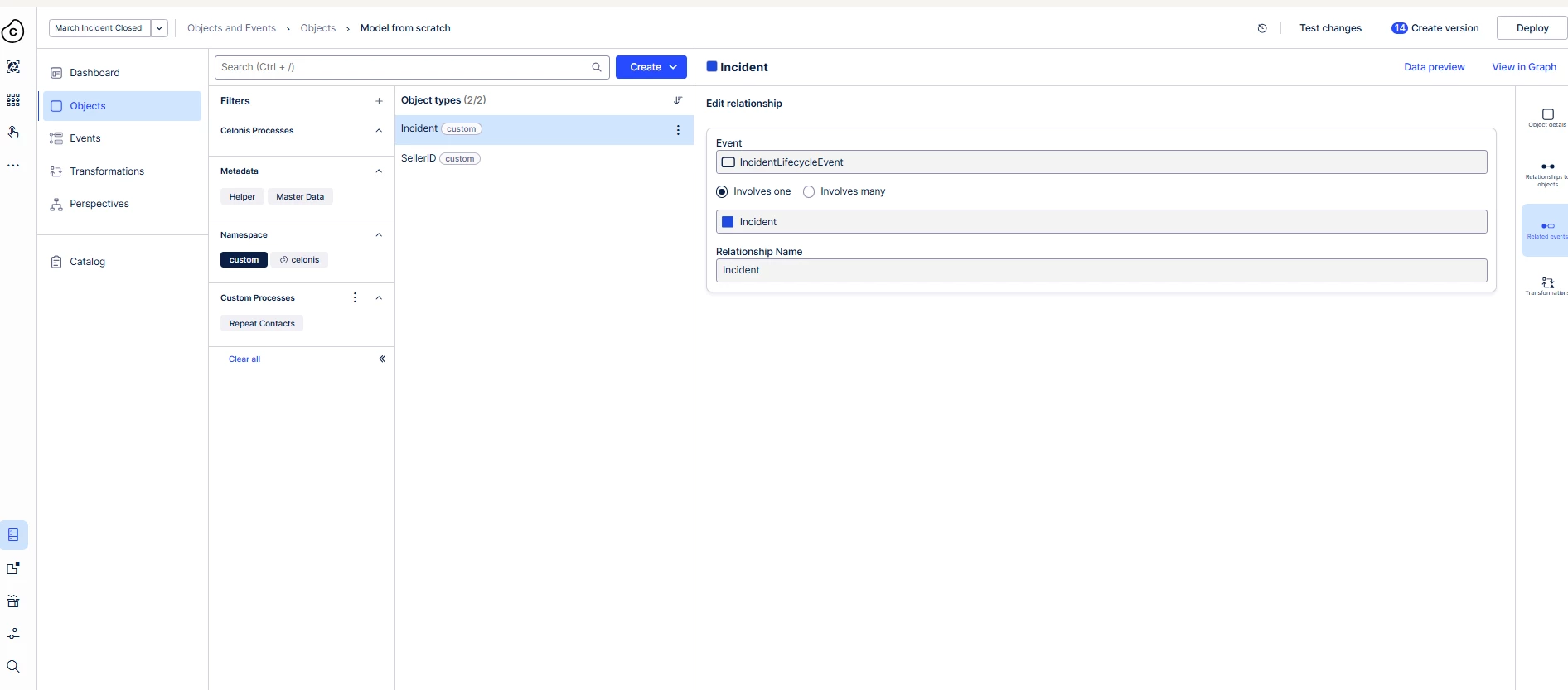
✅ Event-to-case (or event-to-object) relationship is correctly established
-
✅ Case/Object ID is present and populated
-
✅ Data model is published successfully
The issue
-
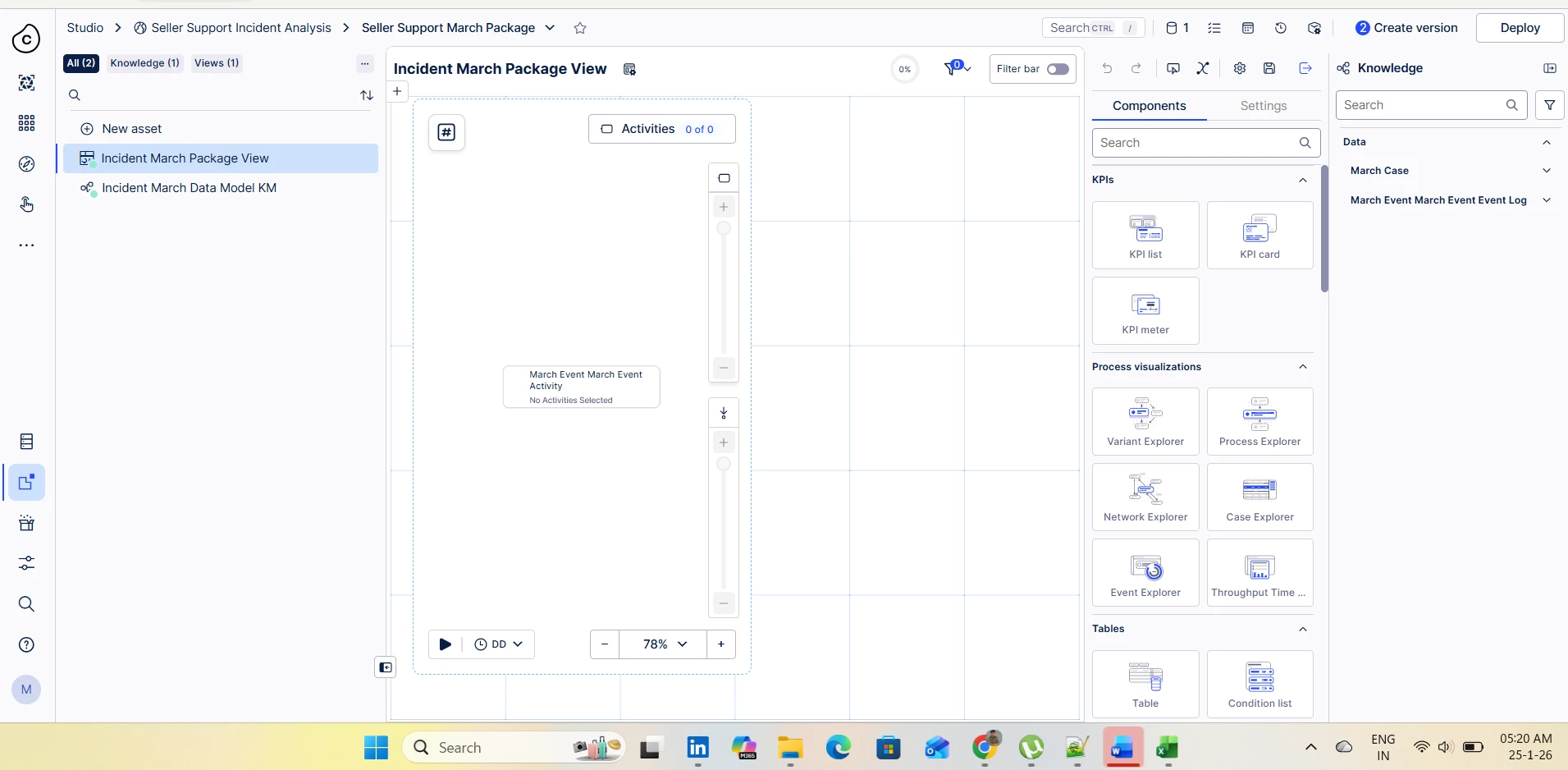
Process Explorer shows no cases / no activities
-
No explicit error messages are displayed
What I suspect could still be causing this
Since this is a custom project without a default template, I suspect the issue may be related to one of the following:
-
Timestamp format or timezone handling (events exist but fall outside the visible time range)
-
Events not assigned to the primary event log / main event type
-
Case/Object table not set as the root table in the data model
-
Process Explorer pointing to an older or inactive model version
-
Default filters (time, case count, or activity filters) applied in Process Explorer
-
Subtle Case/Object ID inconsistencies (trailing spaces, mixed casing, partial nulls)
If data starts reflecting in Process Explorer, I’m confident I can handle the remaining analysis steps independently.
Any suggestions on what to verify next or common pitfalls in custom (non-template) projects would be greatly appreciated.
Thanks in advance!